

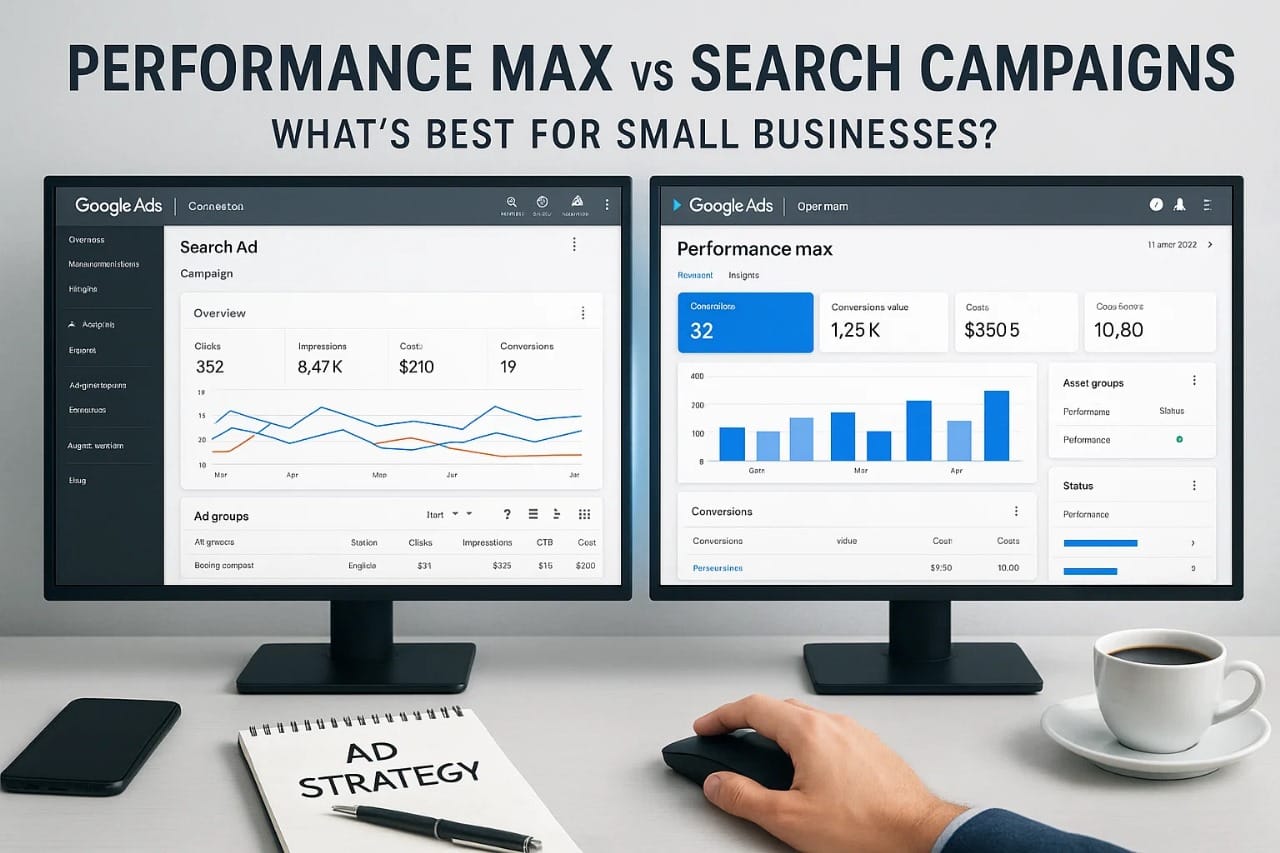
Performance Max vs Search Campaigns:What’s Best for Small Businesses?
Introduction
In the rapidly evolving world of Google Ads, small businesses are constantly faced with a critical decision: which campaign type will deliver the best ROI with the least complexity? Two of the most talked-about options in 2025 are Performance Max and Search Campaigns. While both can drive results, they operate very differently. This guide breaks down the core differences, ideal use cases, and real-world outcomes so small business owners can confidently choose the strategy that matches their goals, audience, and budget.
What is Performance Max?
Performance Max (PMax) is Google’s fully automated, goal-based campaign type designed to maximize performance across all of Google’s advertising channels — including Search, Display, YouTube, Gmail, Discover, and Maps — from a single campaign.
Unlike traditional campaigns where advertisers control placements and bidding strategy in detail, PMax uses machine learning to automate almost everything:
- Bidding
- Ad placements
- Audience targeting
- Creative combinations
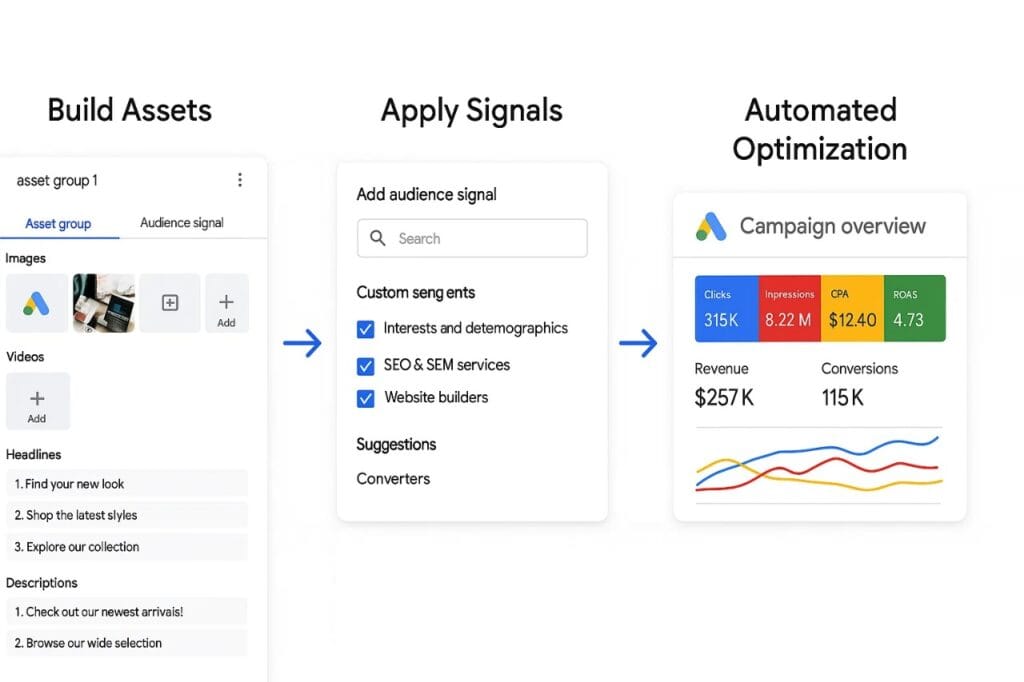
All you need to provide are your assets (headlines, images, videos), audience signals, and your conversion goals. Google’s algorithm takes over from there to find the highest-performing combinations and placements across all networks in real-time.For small businesses, this offers a major advantage: speed and simplicity. You don’t need to be a Google Ads expert to get started. However, the trade-off is less control and transparency, as you won’t know exactly where your ads are shown or which creatives drive the most results.
Performance Max works best when you have specific conversion goals, such as form submissions or purchases, and enough conversion volume for the algorithm to learn effectively See how I generated real results in my Google Ads portfolio case studies.
How Search Campaigns Work
Search Campaigns are the most traditional and widely used type of Google Ads campaign. They allow businesses to display text ads on Google Search results pages when users search for specific keywords. Unlike Performance Max, Search Campaigns give you full control over your ad structure, targeting, and bidding.
Here’s how it works:
- Keyword TargetingYou choose the exact keywords you want your ads to show for (e.g., “affordable plumbing services in Dallas”). This ensures your ads appear only when someone types in relevant terms.
- Manual or Automated BiddingYou can manually set your cost-per-click (CPC) or let Google automatically adjust your bids based on performance goals (like conversions or clicks).
- Ad CustomizationYou write your own headlines, descriptions, and use extensions like sitelinks and call buttons to enhance visibility and engagement.
- Data VisibilityYou get full transparency into which keywords triggered your ads, which ones converted, and how your ads are performing at every level.
For small businesses looking to capture high-intent traffic — people actively searching for what you offer — Search Campaigns are often the most predictable and measurable option. However, they require ongoing management to refine keyword targeting, ad copy, and bid strategy over time.
Key Differences Between Performance Max and Search Campaigns
Understanding the core differences between Performance Max (PMax) and Search Campaigns is essential for small business owners deciding where to invest their ad budget. While both are designed to generate leads or sales, they operate in very different ways, each with its own strengths and trade-offs.
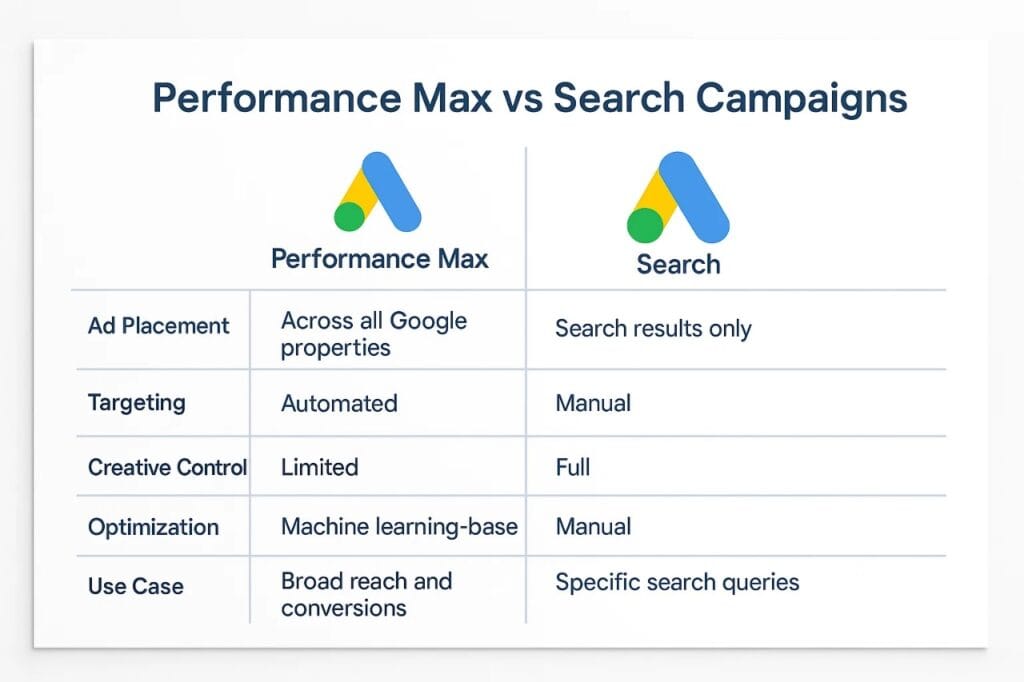
Below is a breakdown comparing the two:
🔍 Performance Max vs. Search Campaigns: Comparison Table
| Feature | Performance Max (PMax) | Search Campaigns |
|---|---|---|
| Ad Placement | All Google channels (Search, Display, YouTube, Gmail, Maps) | Google Search Network only |
| Audience Targeting | AI-driven + optional signals (interests, demographics) | Manual keyword targeting (broad, phrase, exact match) |
| Creative Control | Google assembles ads using provided assets | Full control over headlines, descriptions, and extensions |
| Data Transparency | Limited — minimal visibility into which placements converted | Full keyword-level and ad performance visibility |
| Optimization Method | Automated by Google’s algorithm | Manual or semi-automated depending on settings |
| Best Use Case | Broad reach, lead generation at scale | High-intent traffic from users actively searching |
| Learning Curve | Low setup effort, but minimal control | Higher setup effort, but more control and clarity |
| Conversion Tracking | Enhanced conversions recommended | Standard or enhanced conversion tracking |
Summary
- Use PMax if you want to reach a wide audience quickly with minimal effort and are okay with less granular control.
- Use Search Campaigns if you want precise control over your keywords, messaging, and spend.
For most small businesses, Search Campaigns offer more control and predictability, while Performance Max can drive additional volume — especially when paired with a strong creative strategy and conversion tracking setup Boost your ROI with my Google Ads management services.
Case Study: Performance Max vs Search Campaigns in a Local Business
To illustrate how Performance Max and Search Campaigns perform in the real world, let’s look at a side-by-side case study using a local plumbing service in a mid-sized city. The business ran both campaigns over a 30-day period with the same monthly budget of $1,500 per campaign.
📊 Campaign Setup
Search Campaign: Focused on keywords like “emergency plumber near me,” “pipe repair services,” “local plumbing company.” Used manual bidding (Maximize Conversions), responsive search ads, and location targeting.Learn more about me as a certified Google Ads specialist
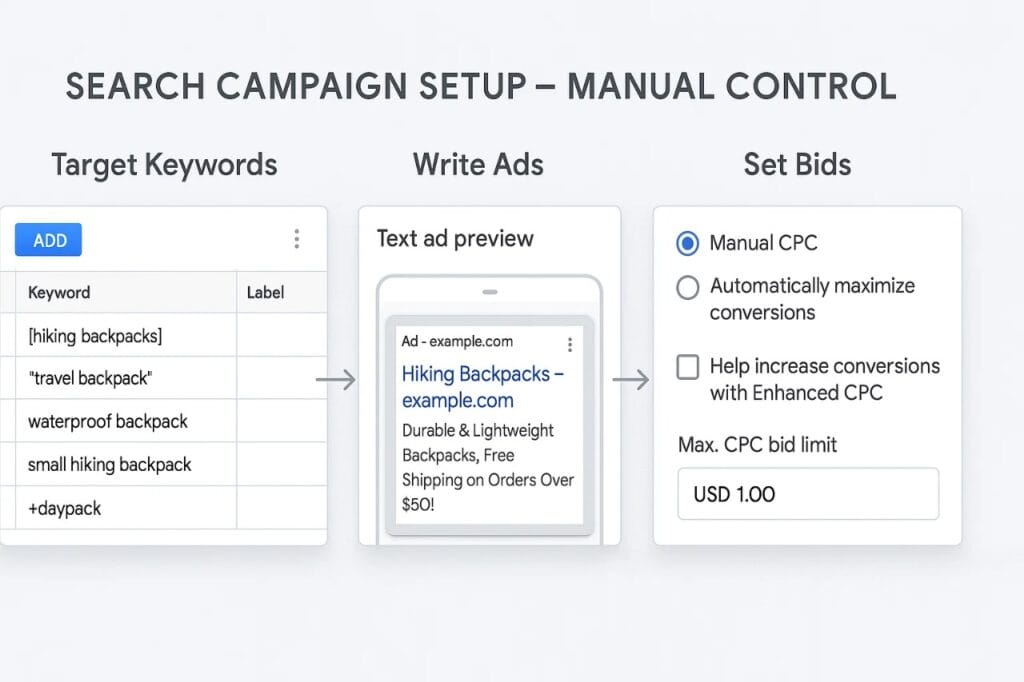
- Performance Max Campaign: Used the same geographic target but included assets like images, headlines, descriptions, and video snippets. Bidding was set to Maximize Conversions with enhanced conversions enabled Struggling with clicks? Read my guide on why your Google Ads aren’t getting clicks and how to fix it.
⚖️ Performance Metrics (30 Days):
| Metric | Search Campaign | Performance Max |
|---|---|---|
| Click-Through Rate (CTR) | 6.2% | 3.5% |
| Cost Per Click (CPC) | $3.45 | $2.15 |
| Conversion Rate | 12.8% | 9.1% |
| Cost Per Lead (CPL) | $26.95 | $23.60 |
| Total Conversions | 55 | 64 |
| ROAS (Estimated) | 4.2x | 3.5x |
🧠 Insights:
- Search Campaigns delivered higher intent traffic, better CTR, and a stronger ROAS due to precise keyword targeting.
- Performance Max drove more overall conversions at a slightly lower CPL, but the leads were broader in quality—some not as ready to buy.
✅ Takeaway:
Search campaigns work best when you’re targeting users who are actively looking for your service, making them ideal for immediate conversions. However, Performance Max complements search by filling the top of the funnel and capturing leads across YouTube, Gmail, and Maps — particularly valuable for businesses investing in remarketing or brand growth.
✅ When to Use Each Type (Performance Max vs Search Campaigns)
Choosing between Performance Max and Search Campaigns depends on your business goals, budget, and audience intent. Each campaign type serves a different role within your digital strategy — and when used correctly, can significantly impact your ROI.
🔹 Use Performance Max When:
- You want broad reach across all Google networks. PMax delivers your ads on Search, Display, YouTube, Discover, Gmail, and Maps — all from a single campaign.
- You lack strong historical data or time for manual optimization. PMax leverages Google’s machine learning to automatically optimize bids, placements, and creatives based on real-time signals.
- You’re launching a new product or service. With minimal manual setup, Performance Max can rapidly test and find the most valuable placements.
- You want to scale fast. PMax excels at driving volume-based conversions when you prioritize reach and lead generation.
🧠 Example: A local eCommerce brand running promotions city-wide used PMax to reach users across YouTube and Gmail, doubling impressions within two weeks.
🔸 Use Search Campaigns When:
- You need precise control over targeting and bidding. With keyword-level management, you decide exactly which queries trigger your ads.
- You’re targeting high-intent searches. Search campaigns are ideal for keywords like “emergency plumber near me” or “buy sports shoes online,” where users are actively looking to convert.
- You’re working with a small or fixed budget. You can tightly control spend, test ad copy, and adjust keyword match types for optimal efficiency.
- You want full transparency in performance. Search campaigns provide granular data at the keyword, ad group, and device level.
🧠 Example: A local law firm saw a 35% higher conversion rate by bidding only on high-value legal service keywords with manual CPC control.
🔁 Hybrid Strategy: Can You Combine Performance Max and Search Campaigns?
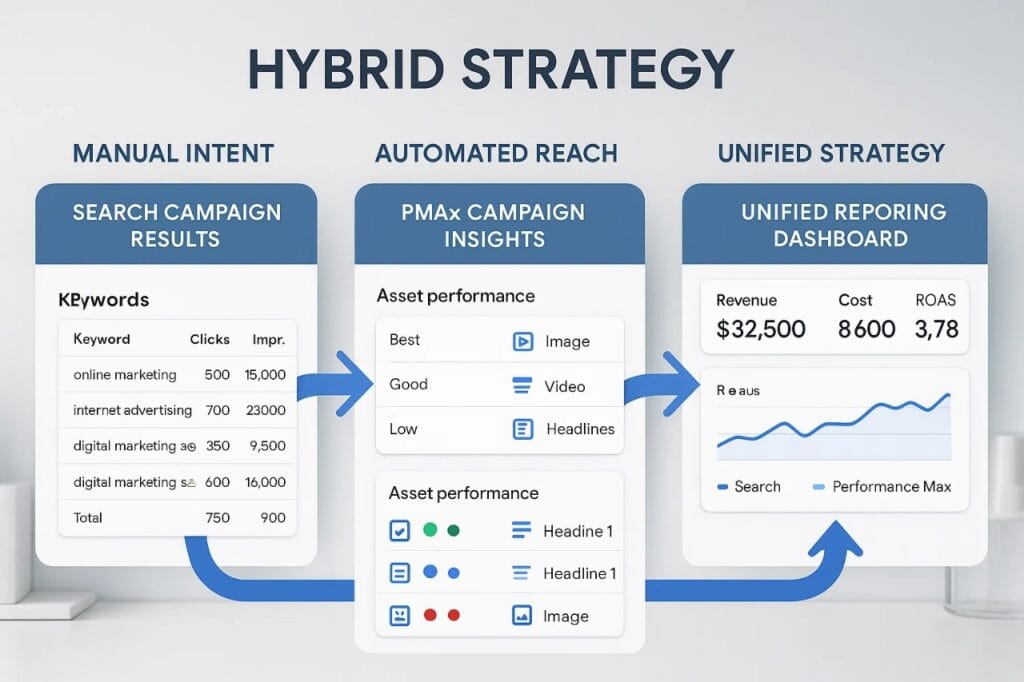
Absolutely — combining Performance Max and Search campaigns can create a powerful hybrid strategy that blends automation and control, ideal for small businesses aiming to grow while staying efficient.
✅ Why Combine Both?
Each campaign type brings unique strengths:
| Campaign Type | Strengths |
|---|---|
| Performance Max | Automation, wide reach, cross-network visibility |
| Search Campaigns | Precision targeting, high-intent queries |
By running both, you maximize coverage while still maintaining manual control where needed. This allows Google’s AI to drive volume while you maintain efficiency on top-performing keywords.
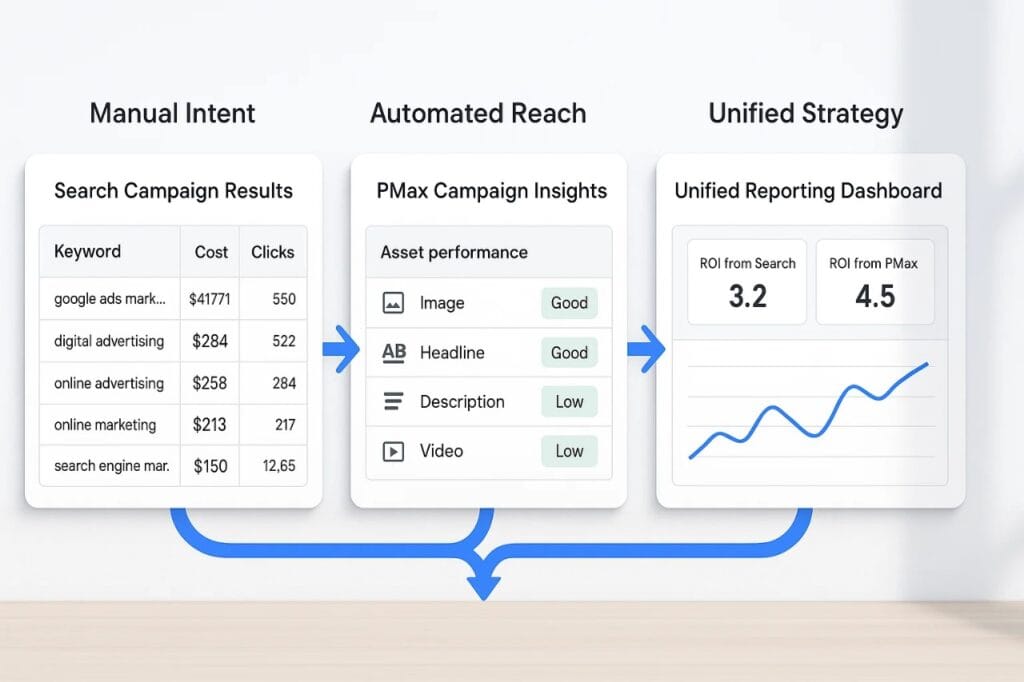
🧠 How to Structure a Hybrid Strategy:
1. Run Search Campaigns for High-Intent Keywords
Focus your Search campaigns on:
- Exact or phrase match for high-converting queries
- Location-specific or service-specific keywords
- Ads with customized copy for tight relevance
Example: A roofing company uses a Search campaign targeting “roof repair in [City]” to drive urgent local leads.
2. Use PMax for Incremental Conversions
While Search handles precision, Performance Max:
- Targets broad audiences
- Captures users higher in the funnel
- Drives additional conversions from YouTube, Display, and Gmail
Example: The same roofer runs a PMax campaign promoting “Free Roof Inspection” offers on YouTube and Discover, building awareness before the user even searches.
⚠️ Smart Bidding Caution:
Ensure Search campaigns are prioritized for high-intent queries by:
- Using exact match in Search to protect branded or top keywords
- Monitoring Search term overlap using the Insights tab
- Adding negatives in PMax (via account-level negatives or brand exclusions)
💡 Real Example:
A dental clinic ran a hybrid strategy:
- Search campaign targeting “emergency dentist near me”
- Performance Max promoting “Free First Consultation” across YouTube & Display
Result: 45% increase in total leads and 25% reduction in cost-per-lead after 30 days.
💰 Budget Allocation Tips: Getting the Most from Your Google Ads Investment
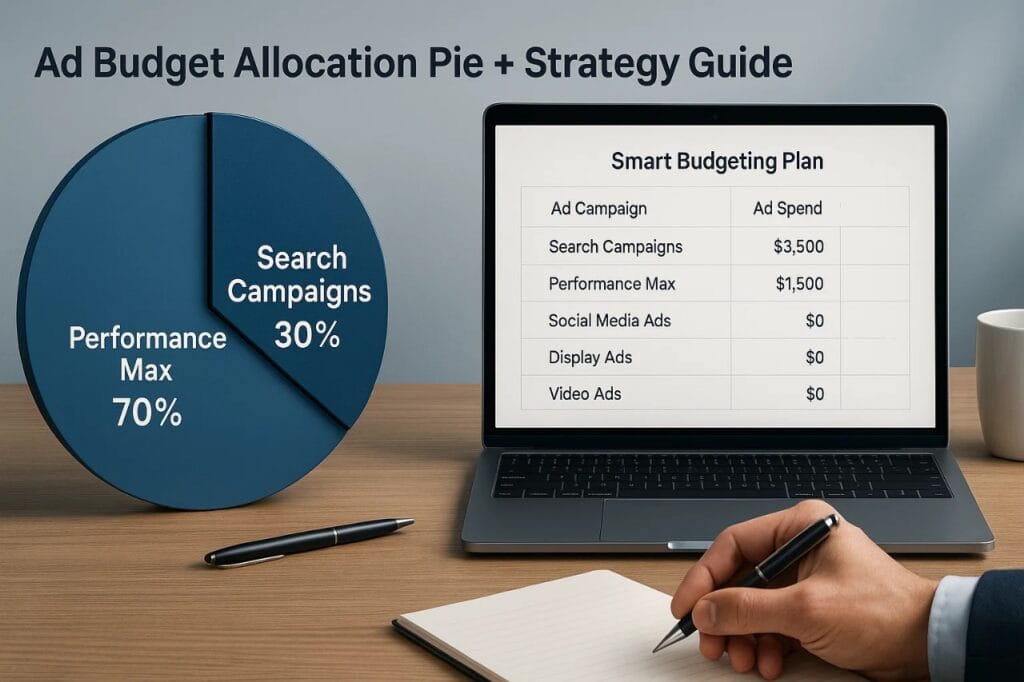
For small businesses with limited budgets, choosing how to allocate spend between Performance Max and Search campaigns can significantly impact ROI. The right approach balances performance, reach, and intent — but it must be tailored to your business goals.
🔢 Start with Your Business Objectives
Before deciding how much to spend on each campaign type, ask:
- Are you focused on lead generation or brand visibility?
- Do you need results fast or are you willing to nurture leads?
- Is your offering seasonal or always-on?
These answers will guide how aggressively to invest in either campaign type.
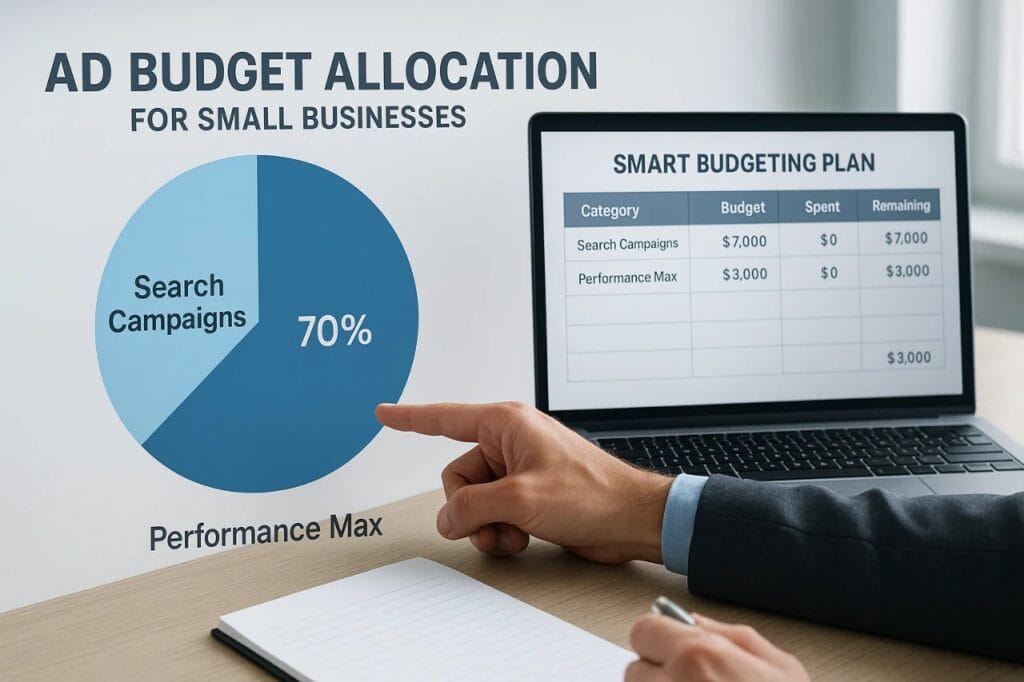
📊 Recommended Budget Splits (for Small Businesses)
| Business Goal | Search % | PMax % |
|---|---|---|
| Local Lead Generation (High Intent) | 70% | 30% |
| Brand Awareness & Expansion | 40% | 60% |
| New Product Launch | 30% | 70% |
| Balanced Growth Strategy | 50% | 50% |
💡 Tip: Always test small changes and monitor results over 7–14 days before fully shifting budget.
🧠 Strategic Allocation Guidelines
1. Anchor Your Budget with Search
Search campaigns are reliable for high-intent keywords. Ensure your core services and branded keywords are fully funded here.
Example: A locksmith should allocate majority budget to “emergency locksmith near me” searches before expanding to broader discovery.
2. Use PMax for Incremental Conversions
While Search handles precision, Performance Max:
- Targets broad audiences
- Captures users higher in the funnel
- Drives additional conversions from YouTube, Display, and Gmail
Example: The same roofer runs a PMax campaign promoting “Free Roof Inspection” offers on YouTube and Discover, building awareness before the user even searches.
⚠️ Smart Bidding Caution:
Ensure Search campaigns are prioritized for high-intent queries by:
- Using exact match in Search to protect branded or top keywords
- Monitoring Search term overlap using the Insights tab
- Adding negatives in PMax (via account-level negatives or brand exclusions)
💡 Real Example:
A dental clinic ran a hybrid strategy:
- Search campaign targeting “emergency dentist near me”
- Performance Max promoting “Free First Consultation” across YouTube & Display
Result: 45% increase in total leads and 25% reduction in cost-per-lead after 30 days.
🧠 Conclusion: Choosing the Right Campaign Type
Both Performance Max and Search Campaigns have unique strengths — and the best choice depends on your business goals, resources, and customer journey.
- Use Search Campaigns when targeting high-intent keywords with control over ad copy and bidding.
- Leverage Performance Max when you need broader reach, automation, and omnichannel presence.
For many small businesses, a hybrid strategy delivers the strongest ROI when set up correctly. Evaluate performance weekly, test both approaches, and optimize based on real data — not assumptions.
✅ Ready to scale smarter? Book a free Google Ads audit to get expert help.