

Google Ads: A Beginner’s Guide
Introduction – What is Google Ads?
Google Ads is one of the most powerful online advertising platforms, built to help businesses appear in front of the right customers at the right time. It operates on a pay-per-click (PPC) model, meaning you only pay when someone clicks on your ad. These ads appear on Google search results, YouTube, Gmail, and across the Google Display Network, giving businesses access to billions of potential customers worldwide.
For beginners, the platform is especially valuable because it provides instant visibility in competitive markets. Unlike SEO, which takes time, Google Ads allows even small businesses to rank on page one of search results within hours. Features like audience targeting, geographic filters, and keyword match types make it easy to reach highly relevant users. Campaign performance can be tracked in real-time, allowing businesses to adjust strategy, optimise costs, and maximise ROI.
At Google Ads Specialist, we guide beginners through creating their first campaigns, avoiding common mistakes, and ensuring their budget delivers results. For more detailed information, you can also explore Google Ads Help.
👉 Launch Your First Google Ads Campaign Today
Google Ads is one of the most powerful online advertising platforms, built to help businesses appear in front of the right customers at the right time. It operates on a pay-per-click (PPC) model, meaning you only pay when someone clicks on your ad. These ads appear on Google search results, YouTube, Gmail, and across the Google Display Network, giving businesses access to billions of potential customers worldwide.
For beginners, the platform is especially valuable because it provides instant visibility in competitive markets. Unlike SEO, which takes time, Google Ads allows even small businesses to rank on page one of search results within hours. Features like audience targeting, geographic filters, and keyword match types make it easy to reach highly relevant users. Campaign performance can be tracked in real-time, allowing businesses to adjust strategy, optimise costs, and maximise ROI.
At Google Ads Specialist, we guide beginners through creating their first campaigns, avoiding common mistakes, and ensuring their budget delivers results. For more detailed information, you can also explore Google Ads Help.
👉 Launch Your First Google Ads Campaign Today
Google Ads vs. Facebook Ads: Which is Better for Your Business?
Understanding the Key Differences
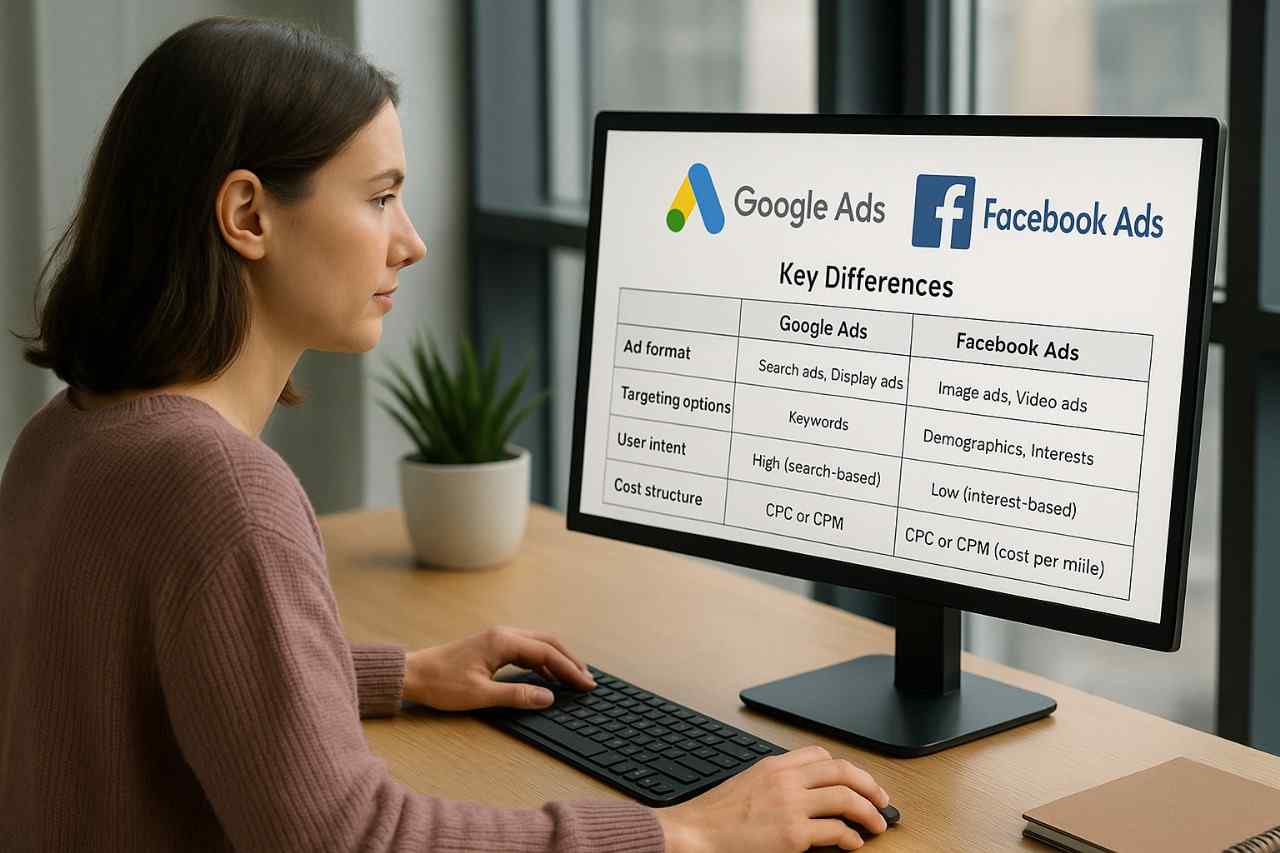
Both Google Ads and Facebook Ads are powerful online advertising platforms, but they serve different purposes. Google Ads focuses on capturing search intent—people actively looking for products or services—while Facebook Ads excels in audience-based targeting, reaching users based on demographics, interests, and behaviours.
Here’s a quick comparison:
Table 1: Google Ads vs Facebook Ads
| Feature | Google Ads (Search + Display) | Facebook Ads (Meta Business Suite) |
| Primary Focus | Search intent (people already looking for solutions) | Interest & behaviour targeting (brand discovery) |
| Ad Formats | Text, shopping, video (YouTube), display | Image, video, carousel, stories |
| Targeting Options | Keywords, geo-location, device, demographics | Audience insights, lookalike audiences, behaviour patterns |
| Cost Model | Pay-per-click (PPC) | Cost-per-click (CPC) or cost-per-impression (CPM) |
| Best For | Direct sales, leads, high-intent keywords | Awareness, remarketing, lifestyle or visual-driven brands |
Which One Suits Your Business Model?
- Choose Google Ads if:
- Your customers search actively for solutions (e.g., plumbing, legal services, e-commerce).
- You want immediate visibility on search results.
- You have a conversion-focused strategy and need measurable ROI.
- Choose Facebook Ads if:
- You want to create brand awareness and reach people before they start searching.
- Your product is highly visual (e.g., fashion, food, travel)
- You want advanced audience targeting and engagement campaigns.
➡️ For most businesses, the smartest approach is a hybrid strategy—using Google Ads for conversions and Facebook Ads for brand awareness and remarketing.
See How We Deliver Results with Google Ads
- How Much Does Google Ads Cost in 2025? (Pricing Explained)
Understanding the Pricing Structure
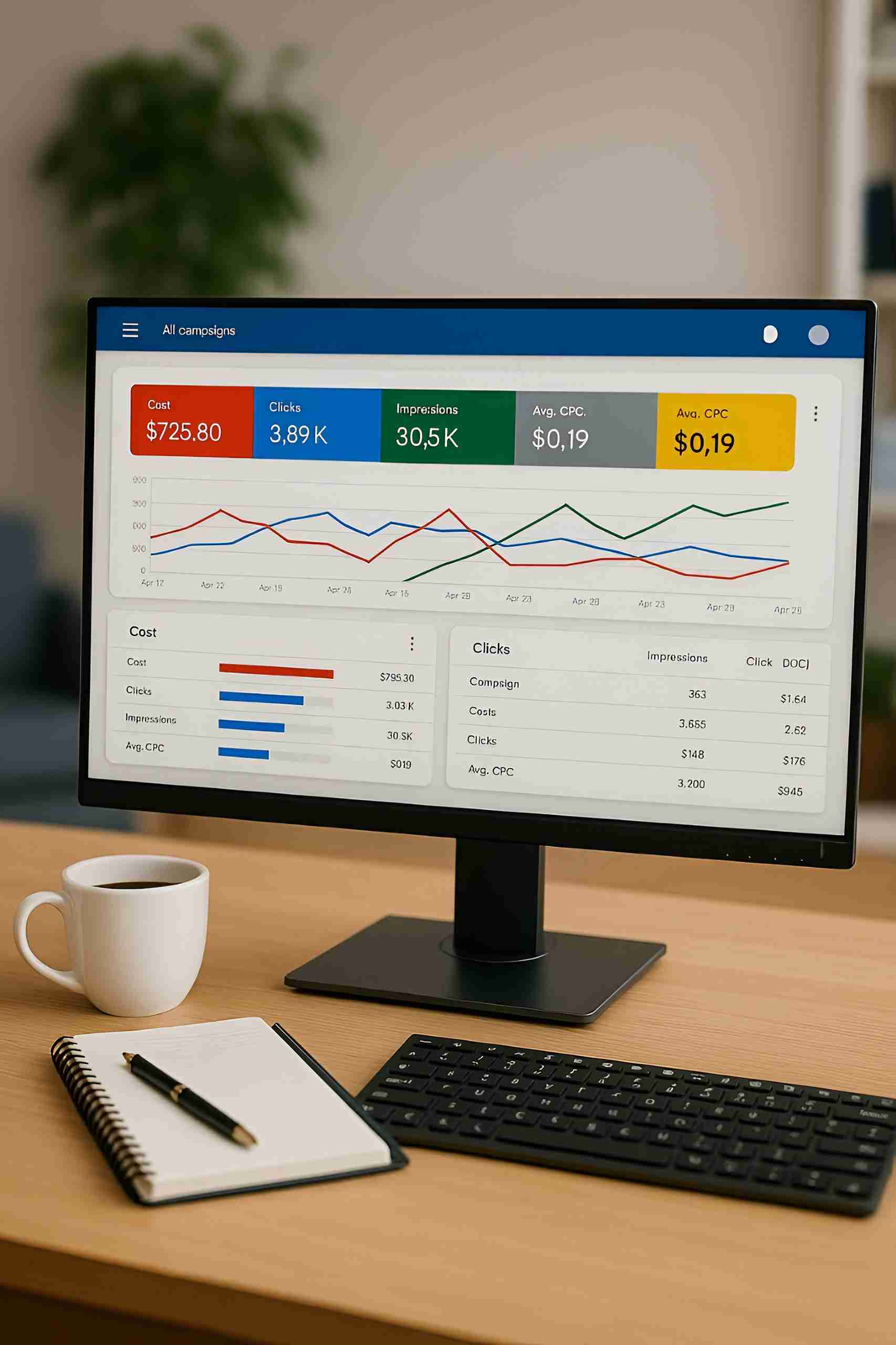
Google Ads operates on a pay-per-click (PPC) model, which means you only pay when a user clicks your ad. Costs vary widely based on industry, competition, and location. Advertisers bid for placements on keywords, and Google’s auction system determines which ads appear. The actual cost-per-click (CPC) depends not only on the bid but also on your Quality Score—a measure of ad relevance, click-through rate (CTR), and landing page experience.
In 2025, costs remain highly competitive. While some industries see average CPCs as low as $0.50–$2.00, others, like legal and insurance, can go upwards of $20–$40 per click.
CPC by Industry (2025 Averages)
Table 2: Average CPC by Industry
| Industry | Avg. CPC (USD) | Notes |
| E-Commerce | $1.20 – $2.50 | Strong competition; Shopping Ads push CPC higher |
| Technology / SaaS | $2.00 – $4.00 | High intent, competitive B2B keywords |
| Real Estate | $1.50 – $3.00 | Local keywords often cheaper than national |
| Healthcare | $2.00 – $5.00 | High demand for medical services |
| Finance / Insurance | $15.00 – $40.00 | Among the most competitive industries |
| Legal Services | $20.00 – $45.00 | Extremely competitive; high lifetime value clients |
Budget Control Tips for Beginners
- Set Daily Budgets – Start small (e.g., $10–$20/day) and scale up as ROI improves.
- Use Keyword Match Types Wisely – Exact match ensures efficient spending; broad match needs careful negative keyword management.
- Monitor Quality Score – Improving ad relevance and landing page experience reduces CPC.
- Leverage Smart Bidding – Automated bidding strategies (e.g., Target CPA, Target ROAS) help optimise costs.
- Regular Audits – Perform monthly audits to cut waste and reallocate budget to high-performing campaigns.
Internal and External Linking
- Internal link (Google Ads Audit page):
👉 Google Ads Audit
(Use this to drive readers towards your audit service as they’re already thinking about costs.) - External link (Google official Ads pricing page):
👉 Google Ads Pricing Help
4. Google Ads Keyword Match Types Explained (Broad, Phrase, Exact)
Why Keyword Match Types Matter
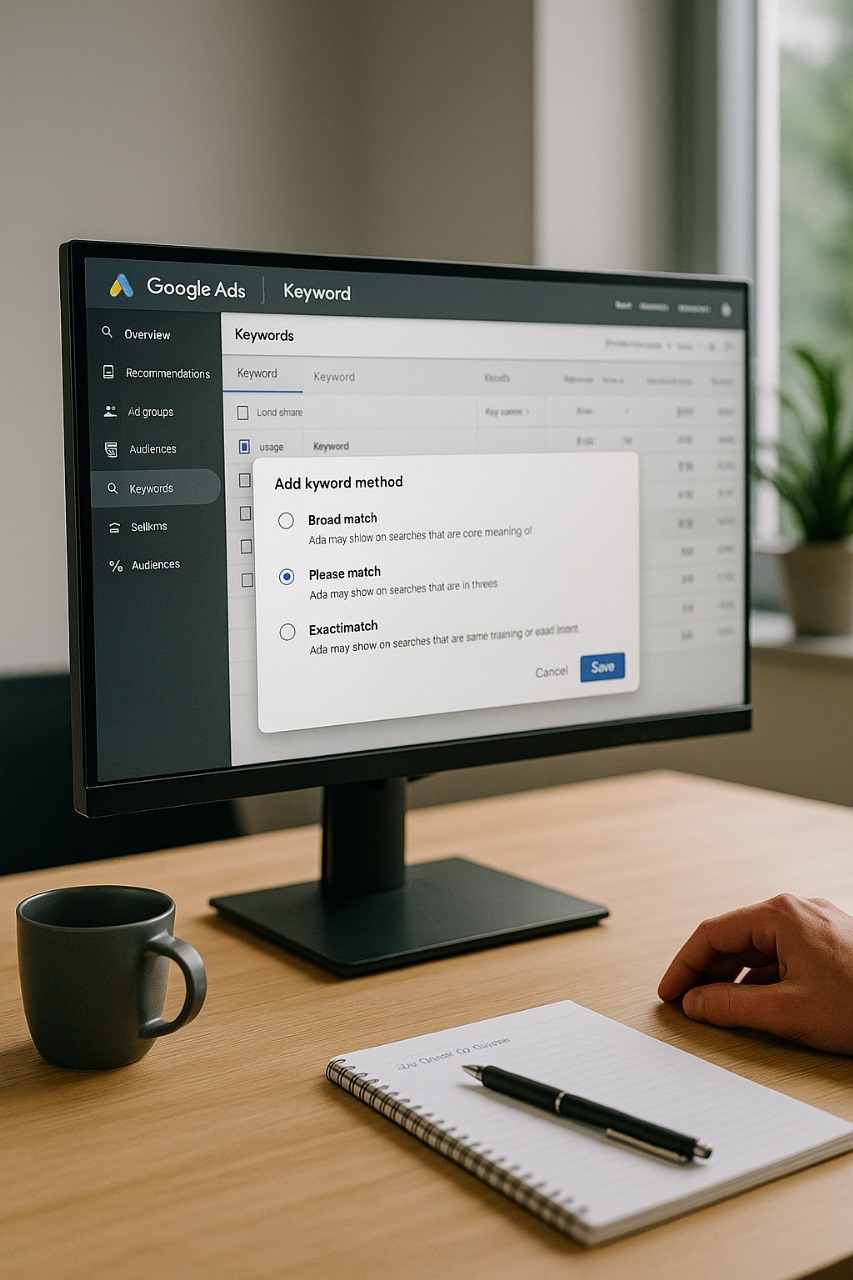
Choosing the right keyword match type is one of the most critical decisions in Google Ads. It determines how closely a user’s search query must match your chosen keywords for your ad to appear. For beginners, understanding this ensures your budget is spent efficiently while targeting the right audience.
1. Broad Match
- Definition: Ads show when a search includes any variation of your keyword (synonyms, related searches, misspellings).
- Example: Keyword = red shoes → Your ad may appear for buy scarlet sneakers or shoes for jogging.
- Pros: Wider reach, good for discovering new search terms.
- Cons: Can waste budget on irrelevant clicks if not controlled with negative keywords.
2. Phrase Match
- Definition: Ads show when a search includes the meaning of your keyword phrase. Word order doesn’t always matter.
- Example: Keyword = affordable laptop → Your ad may appear for best laptop affordable for students.
- Pros: More control than broad match, still flexible.
- Cons: Requires regular monitoring of search term reports.
3. Exact Match
- Definition: Ads appear only when the query exactly matches the meaning of your keyword.
- Example: Keyword = buy iPhone 15 online → Your ad shows only for very close variations like purchase iPhone 15 online.
- Pros: Maximum relevance, higher conversion rates.
- Cons: Limited reach, usually higher CPC.
Keyword Match Types Comparison
Table 3: Examples of Google Ads Match Types
| Match Type | Example Keyword | Possible Triggered Searches | Control Level |
| Broad Match | red shoes | buy scarlet sneakers, jogging shoes | Low |
| Phrase Match | affordable laptop | best laptop affordable for students | Medium |
| Exact Match | buy iPhone 15 online | purchase iPhone 15 online | High |
Best Practices for 2025
- Start with Exact Match to control spend and build high-quality data.
- Expand with Phrase Match to capture mid-funnel opportunities.
- Use Broad Match only with Smart Bidding + strong negative keywords.
- Regularly audit campaigns to remove irrelevant terms.
Internal & External Linking
- Internal link (Keyword Strategy Service):
👉 Google Ads Management
(Use here when guiding readers to let your team handle keyword strategies.) - External link (Google Ads Help on match types):
👉 Google Ads Keyword Match Types
CTA Button Example:
👉 Optimise Your Keywords with Our Google Ads Experts
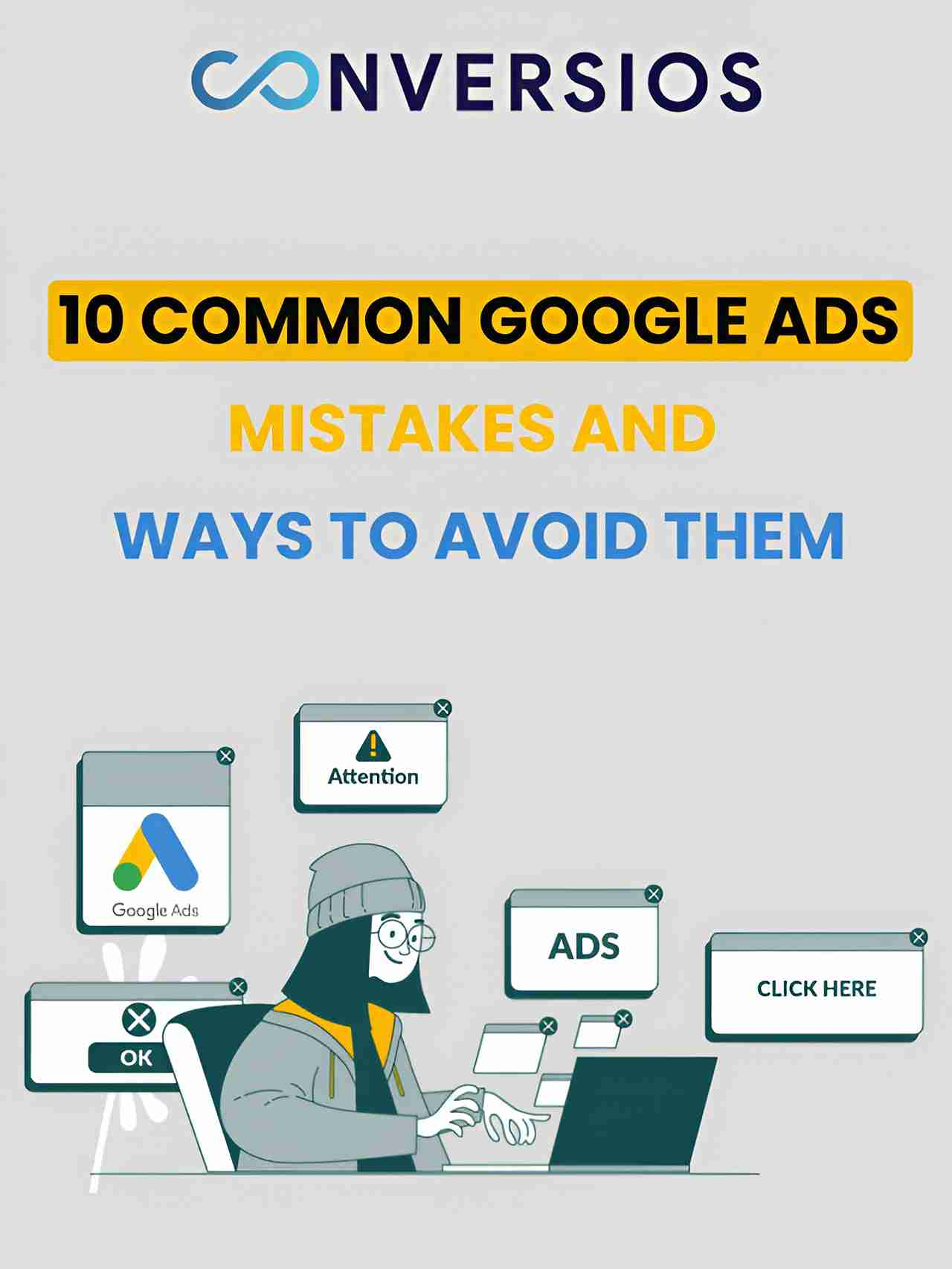
Top 10 Mistakes Beginners Make in Google Ads (and How to Avoid Them)
Launching your first Google Ads campaign can be exciting—but it’s all too easy for beginners to make critical mistakes that drain budgets and undercut performance. Here’s a breakdown of the top 10 pitfalls, why they matter, and how to fix them.
1. Skipping Negative Keywords
Mistake: Without negative keywords, your ads may show for irrelevant searches—wasting your budget.
Fix: Review your Search Terms Report weekly and block irrelevant terms. This tightens targeting and boosts ROI.
2. Overly Broad Keyword Targeting
Mistake: Using only broad match keywords often leads to irrelevant clicks.
Fix: Begin with exact match, then expand to phrase match with negative keywords, and use broad match only with Smart Bidding.
3. Weak Ad Copy
Mistake: Uninspired headlines and descriptions fail to engage users.
Fix: Use powerful, benefits-led language. Include your main keyword, UVP (Unique Value Proposition), and a clear call to action.
4. Neglecting Ad Extensions
Mistake: Missing callouts, sitelinks, and other extensions reduces visibility.
Fix: Add relevant extensions to improve CTR, ad space, and campaign performance.
5. Not Tracking Conversions
Mistake: Without tracking, you won’t know what’s working.
Fix: Set up conversion tracking via Google Ads or Google Analytics (GA4) to optimize campaigns based on real data.
6. Ignoring Landing Page Experience
Mistake: Sending clicks to generic or slow-loading pages hurts conversions.
Fix: Ensure landing pages are relevant, fast, mobile-friendly, and aligned with your ad message.
7. No A/B Testing
Mistake: One ad version isn’t enough for optimization.
Fix: Continuously A/B test headlines, descriptions, and CTAs. Let data guide changes.
8. Poor Campaign Structure
Mistake: Clustering multiple keywords into one ad group reduces relevance.
Fix: Organize campaigns into tightly themed ad groups—each targeting specific keyword sets.
9. Bad Budget Allocation
Mistake: Either underfunded campaigns go nowhere, or overspending drains your budget.
Fix: Start with modest daily budgets (e.g., $10–$20), then scale based on performance and ROI.
10. Running Ads All Day, Every Day
Mistake: Ignoring ad scheduling wastes money during low-conversion hours.
Fix: Analyze performance trends and schedule ads during peak conversion times to maximize effectiveness.
Infographic Recap
To make these mistakes easily digestible and memorable, include a stylish infographic-style image that visually outlines these 10 mistakes with corresponding icons and quick tips—perfect for skimming and retaining key points.
Campaign Audit Service Schedule Your Google Ads Audit Today.
Provide credibility and deeper learning:
Google Ads Best Practices Guide
Conclusion & Call to Action
Google Ads is one of the most effective tools for driving qualified traffic, generating leads, and boosting sales—when used correctly. By understanding pricing, keyword match types, and avoiding common mistakes, beginners can set the foundation for successful campaigns. However, professional guidance can dramatically speed up results and prevent costly errors.
If you’re ready to take your campaigns to the next level and ensure every dollar spent delivers ROI, let our experts handle the complexity.