

Top 10 Mistakes Beginners Make in Google Ads (and How to Avoid Them)
Introduction – Why Beginners Struggle with Google Ads
For beginners, Google Ads can feel overwhelming. The platform offers dozens of campaign types, bidding strategies, keyword options, and targeting settings—each with the potential to make or break results. Many new advertisers jump straight into campaigns without fully understanding the fundamentals, leading to wasted budgets and poor outcomes. One of the biggest challenges is learning how to manage keywords, ad copy, and bidding effectively. Without experience, it’s easy to overpay for irrelevant clicks, misconfigure settings, or overlook features like negative keywords.
This struggle is understandable. Google Ads is built on powerful algorithms that reward advertisers who align their campaigns with user intent and relevance. However, beginners often underestimate the complexity of campaign optimization. For example, setting everything to Broad Match without monitoring search term reports can cause ads to appear for unrelated searches, draining ad spend quickly. Similarly, ignoring ad extensions or conversion tracking can prevent businesses from seeing the full picture of performance.
Avoiding these early mistakes is critical. By understanding where beginners typically go wrong and how to prevent it, new advertisers can save money, achieve measurable results, and build confidence in managing campaigns.
At Google Ads Specialist, we help beginners skip the trial-and-error phase by applying proven strategies. Explore our Services or read Case Studies to see how we turn struggling campaigns into profitable ones.
Mistake 1: Skipping Negative Keywords
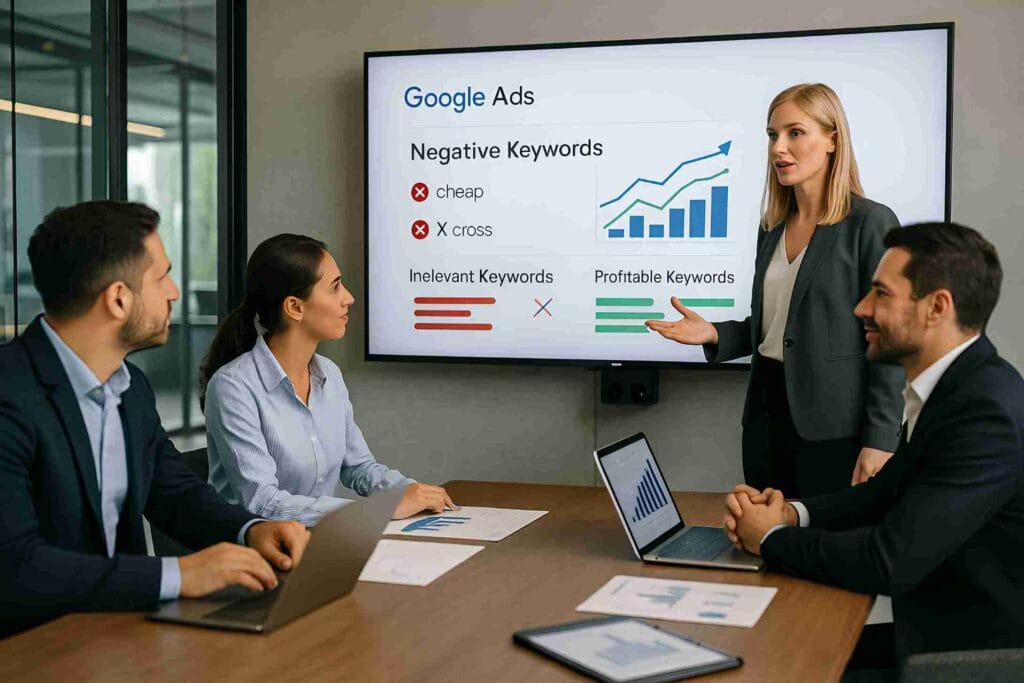
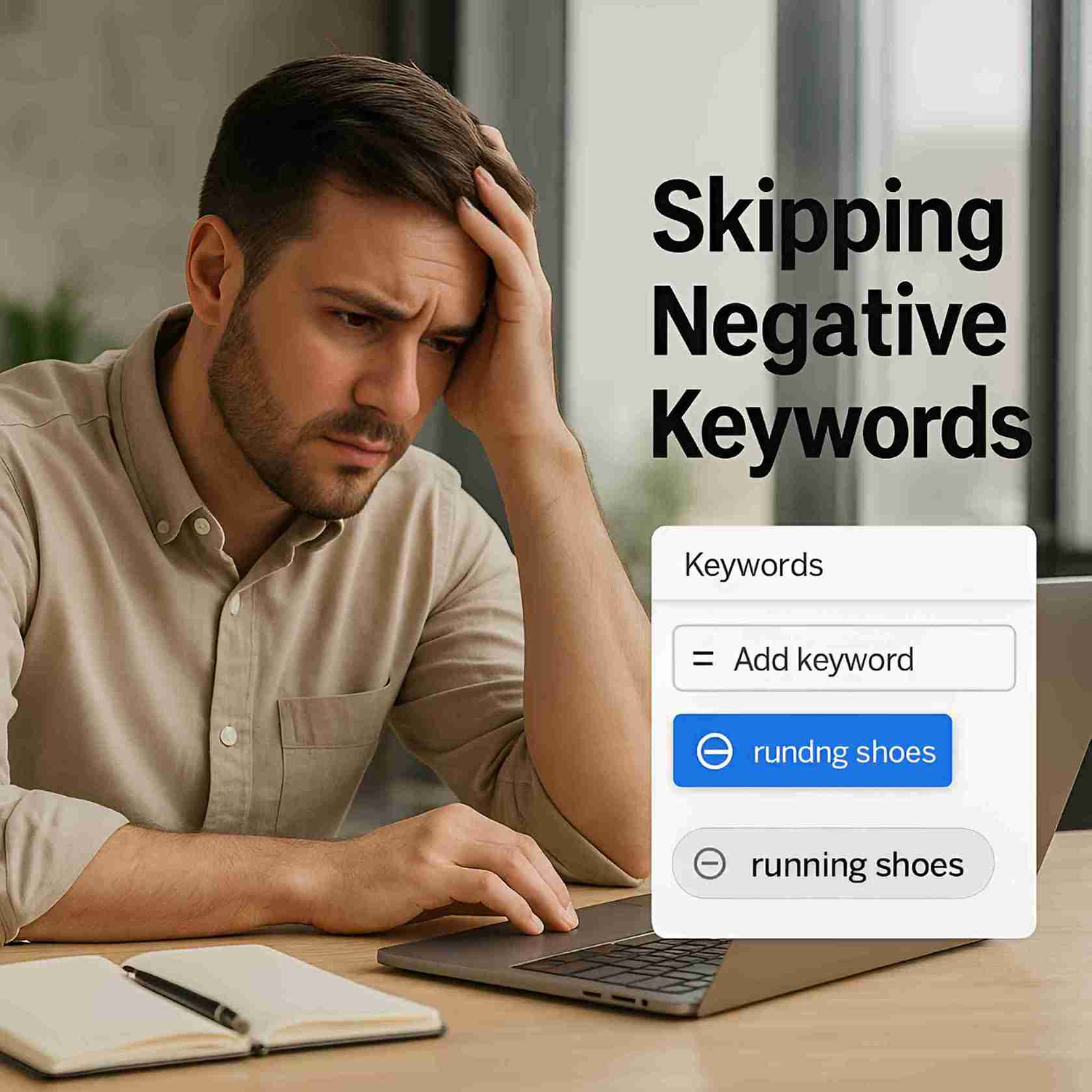
One of the most common mistakes beginners make in Google Ads is ignoring negative keywords. While most advertisers focus on the keywords they want to target, they often forget that excluding irrelevant terms is equally important. Without negative keywords, your ads may show up for searches that have nothing to do with your product or service, wasting budget on low-quality clicks.
For example, if you are running ads for a premium shoe store, failing to add “cheap,” “free,” or “second-hand” as negative keywords could result in your ads showing to users who are unlikely to convert. This dilutes your click-through rate (CTR) and increases your cost per acquisition (CPA).
Google itself recommends actively managing negative keywords to improve ad relevance and reduce wasted spend (Google Ads Help, 2025). By regularly reviewing your search terms report, you can identify irrelevant queries and add them to your negative list. This ensures your ads only appear for searches that align with user intent.
👉 To learn more about keyword match types and how they affect campaign performance, check out Google Ads Keyword Match Types Explained – Broad, Phrase, Exact .
When set up correctly, negative keywords act as a filter that directs your budget toward the highest-quality traffic. Beginners who neglect them often struggle with poor ROI, while those who implement them see stronger campaign efficiency and higher profitability.
Mistake 2: Overly Broad Keyword Targeting
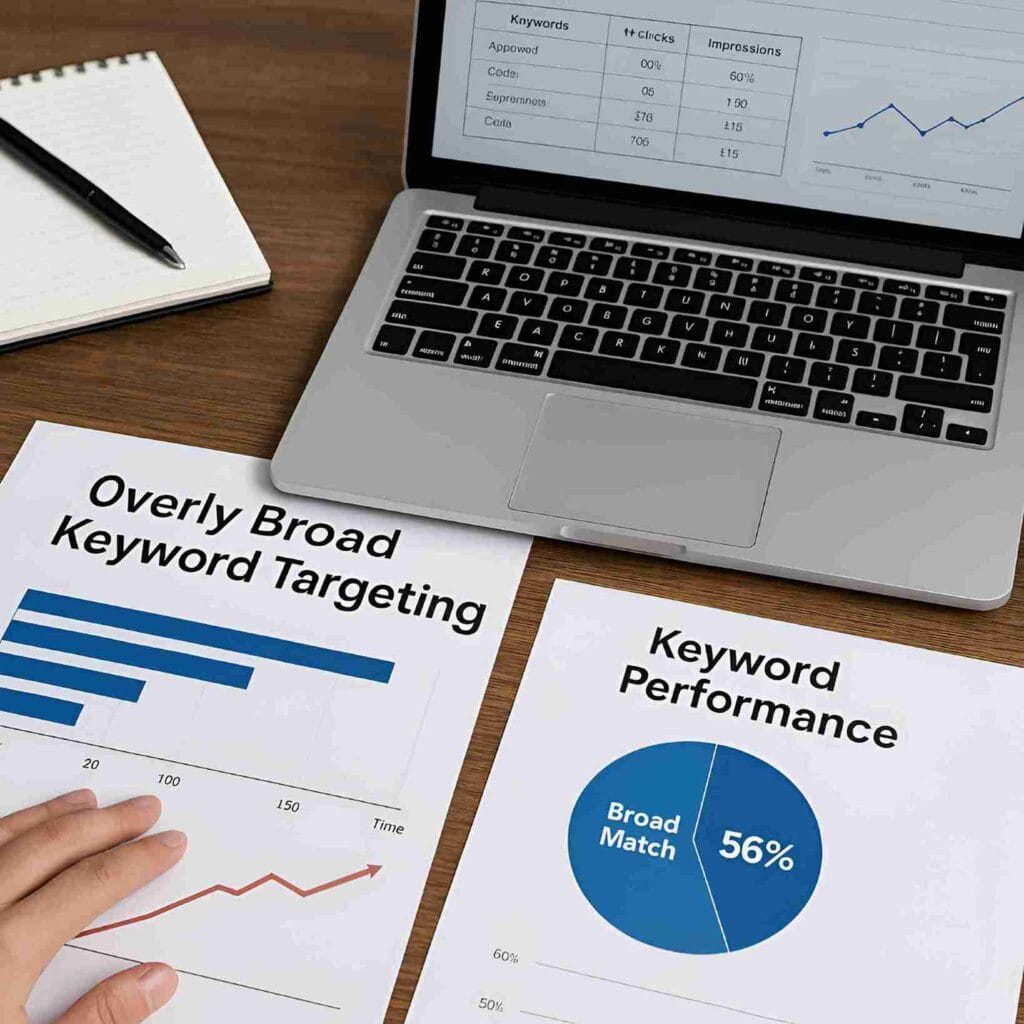
Another common beginner mistake in Google Ads is relying too heavily on broad match keywords. While broad match can seem attractive because it captures a wide audience, it often results in wasted ad spend by matching ads to irrelevant queries. For example, if you target the keyword “shoes,” your ads could appear for searches like “horse shoes” or “DIY shoe rack,” neither of which represent your target customers.
This problem leads to poor click-through rates, irrelevant traffic, and increased costs. According to industry benchmarks, overly broad targeting can reduce return on ad spend (ROAS) by as much as 40% compared to more refined targeting strategies. The key is to strike a balance between reach and relevance.
Instead of relying solely on broad match, advertisers should use phrase match and exact match for better control. This ensures your ads show only when the user’s search query closely matches your product or service. Pairing this approach with negative keywords (see Mistake 1) creates a powerful filter that directs your budget toward high-quality leads.
| Match Type | How It Works | When to Use It | Example |
|---|---|---|---|
| **Broad Match** | Your ads appear for queries related to your keyword, including synonyms, misspellings, and broad concepts. | Use it to discover new keywords and find a wide range of potential customers. It works best with a strong negative keyword list. | Keyword: “women’s hats” Ads might show for: “ladies headwear,” “buy a beanie,” “girls accessories” |
| **Phrase Match** | Your ads show for searches that include your keyword phrase in the exact order, but with words before or after it. | Use it to balance reach and relevance. It gives you more control than broad match while still capturing a decent audience. | Keyword: “black leather shoes” Ads might show for: “buy black leather shoes online,” “best black leather shoes for men” |
| **Exact Match** | Your ads only appear for searches that are the same as your keyword or a very close variation. | Use it for high-converting, proven keywords. It gives you the most control over your ad spend and targets the most relevant users. | Keyword: “[running sneakers]” Ads might show for: “running sneakers,” “sneakers for running,” “running shoes” |
👉 For a detailed breakdown of keyword types and best practices, explore Google Ads Keyword Match Types Explained – Broad, Phrase, Exact .
By tightening keyword targeting, beginners can reduce wasted spend, improve relevance, and achieve higher conversion rates — turning ads into a profitable investment rather than a budget drain.
Mistake 3: Weak Ad Copy
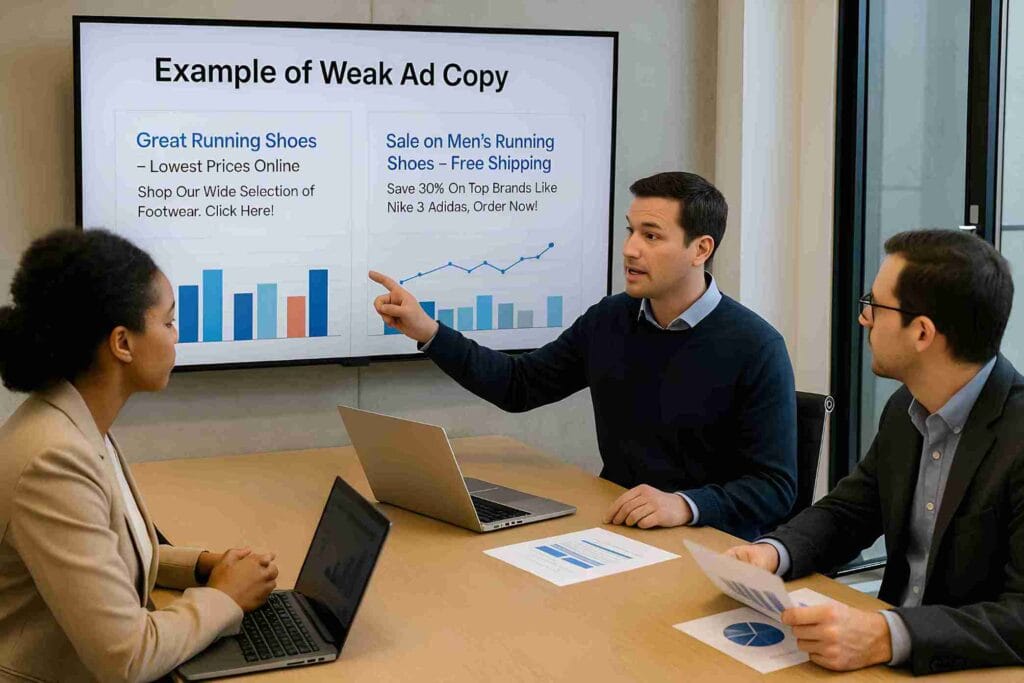
Even with the right keywords, campaigns fail if the ad copy is weak. Many beginners write generic ads like “Buy Shoes Online – Great Deals Available”. While this may attract clicks, it doesn’t stand out from competitors or give users a reason to choose your brand. Weak ad copy often leads to low click-through rates (CTR), poor ad relevance scores, and higher cost-per-click (CPC).
Strong ad copy, on the other hand, is clear, specific, and benefit-driven. It speaks directly to the user’s intent and highlights what makes the offer unique. For example:
- ❌ Poor Ad Copy: “Best Laptops Available – Buy Now”
- ✅ Strong Ad Copy: “Ultra-Fast Laptops for Remote Work – Free 2-Day Shipping & 24/7 Support”
Notice how the second example addresses a target audience (remote workers), emphasizes speed, and adds value propositions (fast shipping, 24/7 support). This not only improves CTR but also boosts your Quality Score, helping you pay less for better ad placements.
To refine ad copy, always test multiple headlines and descriptions. Highlight unique selling points, use numbers or offers (e.g., “Save 30% Today”), and include strong calls-to-action like “Get Your Free Trial”.
👉 For insights into why some ads don’t perform, review Why Your Google Ads Aren’t Getting Clicks – And How to Fix It .
Compelling ad copy transforms casual browsers into paying customers, making it one of the most critical aspects of campaign success.
Mistake 4: Ignoring Ad Extensions
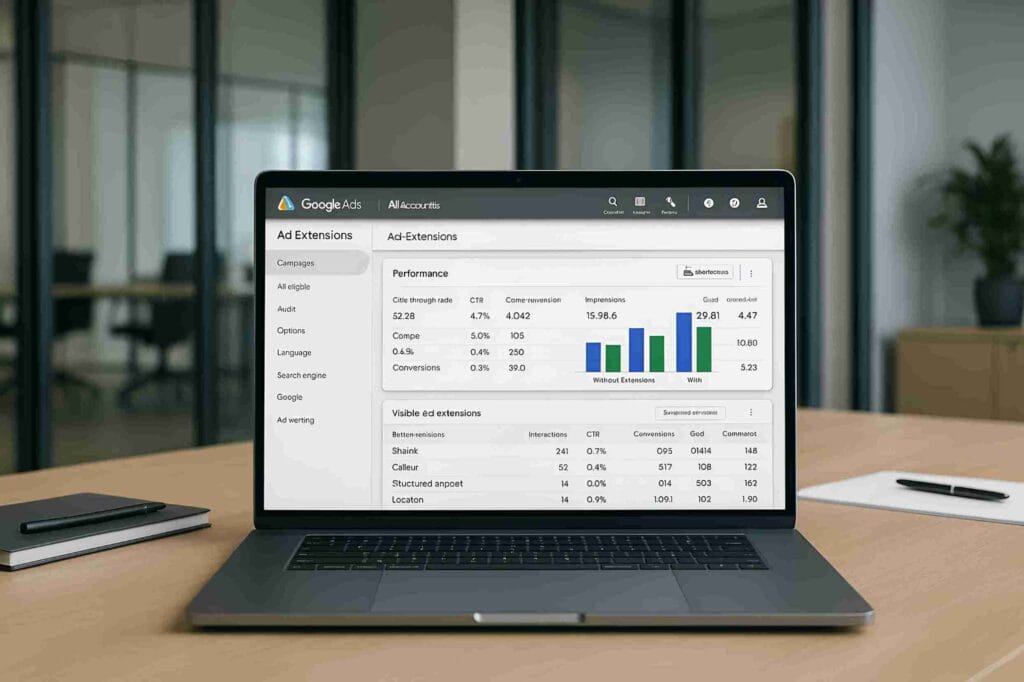
One of the most overlooked features in Google Ads is the use of ad extensions. Beginners often skip them, assuming they are optional add-ons, but in reality, extensions significantly improve ad visibility, click-through rates (CTR), and user engagement. Ignoring them means leaving valuable real estate on the search results page unused.
Ad extensions allow you to provide extra information that makes your ad more appealing and trustworthy. Some key types include:
- Sitelink Extensions – direct users to specific pages like pricing, services, or contact.
- Call Extensions – add a phone number for quick customer calls.
- Location Extensions – show your business address, boosting credibility for local searches.
- Structured Snippets – highlight product categories or services.
For example, a digital marketing agency ad with sitelink extensions such as “Portfolio”, “Services”, and “Contact” is far more engaging than a single line of ad text. Extensions not only improve user experience but also contribute to a higher Ad Rank, often lowering your cost-per-click.
👉 To understand why strong campaign structure and add-ons matter, explore Performance Max vs. Search Campaigns – What’s Best for Small Businesses .
By leveraging extensions, you give users more reasons to interact with your brand and reduce wasted impressions, making them a must-have for every campaign.
6. Mistake 5: Not Tracking Conversions
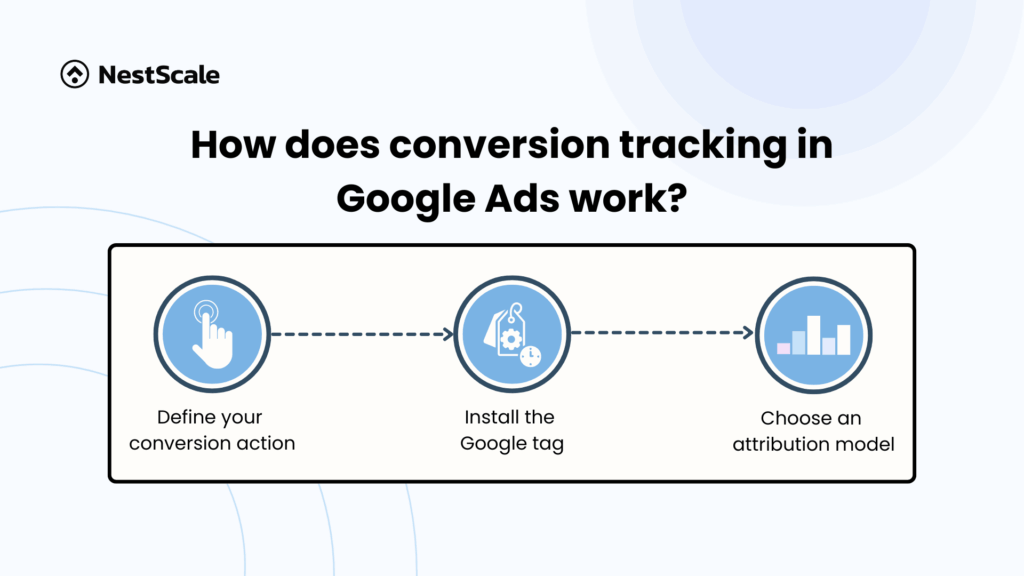 A major mistake many beginners make in Google Ads is not setting up conversion tracking. Without it, advertisers are essentially running campaigns blind. They may see clicks and impressions but have no idea which ads, keywords, or campaigns are actually driving leads, sales, or other valuable actions.
For example, if you’re an e-commerce store running multiple campaigns, clicks alone don’t tell you which products are generating revenue. Without conversion tracking, you might continue spending on ads that look active but fail to produce sales. This often leads to wasted budgets and inaccurate performance insights.
By setting up Google Ads conversion tracking and linking it with Google Analytics 4 (GA4), advertisers can see exactly which actions users take after clicking an ad—such as filling out a form, making a purchase, or signing up for a newsletter. This data enables smarter decisions, like shifting budget to high-performing keywords and pausing low-converting ads.
👉 For guidance on fixing underperforming ads, review Why Your Google Ads Aren’t Getting Clicks – And How to Fix It .
Conversion tracking transforms campaigns from guesswork into data-driven strategies. Beginners who neglect it often misjudge success, while those who implement it early can optimise effectively and maximise return on ad spend (ROAS).
Mistake 6: Ignoring Landing Page Experience
Even the best-targeted ads will fail if the landing page experience is poor. Beginners often focus all their attention on keywords and ad copy but forget that the user’s journey doesn’t end with the click—it continues on the landing page. If the page is slow, irrelevant, or not optimised for mobile, users leave immediately, wasting valuable ad spend.
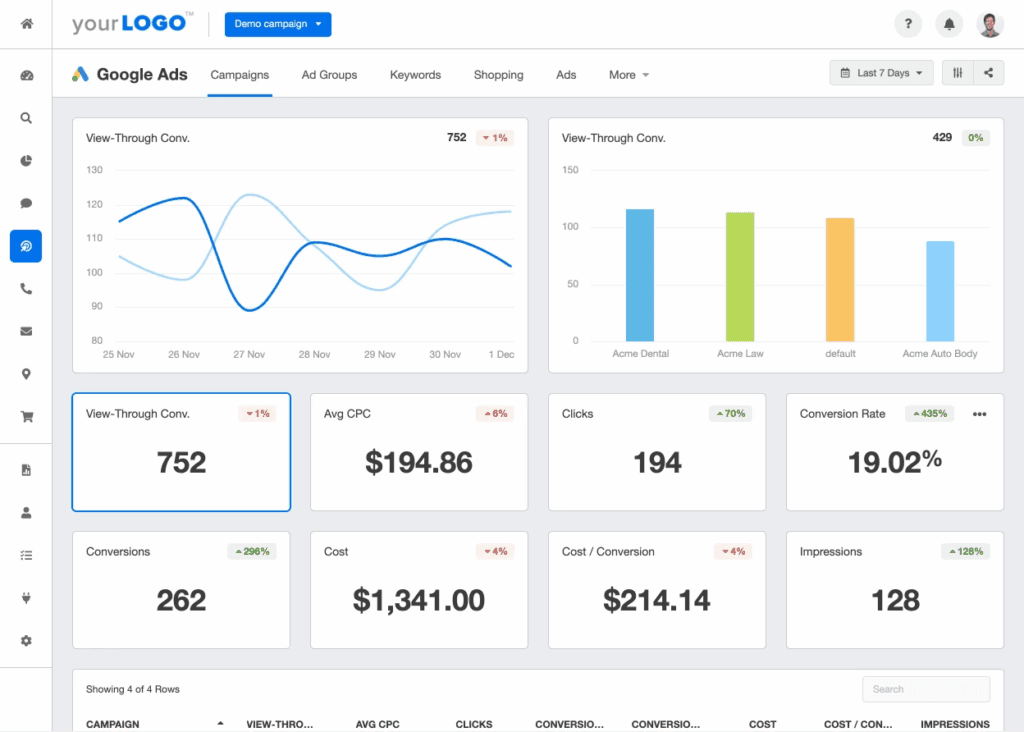
Google considers landing page quality a major factor in Quality Score, which directly affects your cost-per-click (CPC) and ad ranking. For example, if your ad promises “Free Consultation for Google Ads Management” but takes users to a generic homepage instead of a dedicated consultation form, visitors may bounce. This mismatch increases bounce rate and reduces conversions.
Key elements of a strong landing page include:
- Speed – Pages should load in under 3 seconds.
- Relevance – Content must align with the ad message and user intent.
- Mobile Optimisation – Since over 60% of searches come from mobile, responsive design is critical.
- Clear CTA – Direct users with buttons like “Get a Free Quote” or “Start Your Trial Today”.
👉 For insights into maximising campaign efficiency, check out Why Local Search Matters in 2025 .
A good landing page doesn’t just support conversions—it amplifies them. By improving relevance, usability, and performance, advertisers can turn more clicks into paying customers and significantly boost their return on investment (ROI).
8. Mistake 7: No A/B Testing:
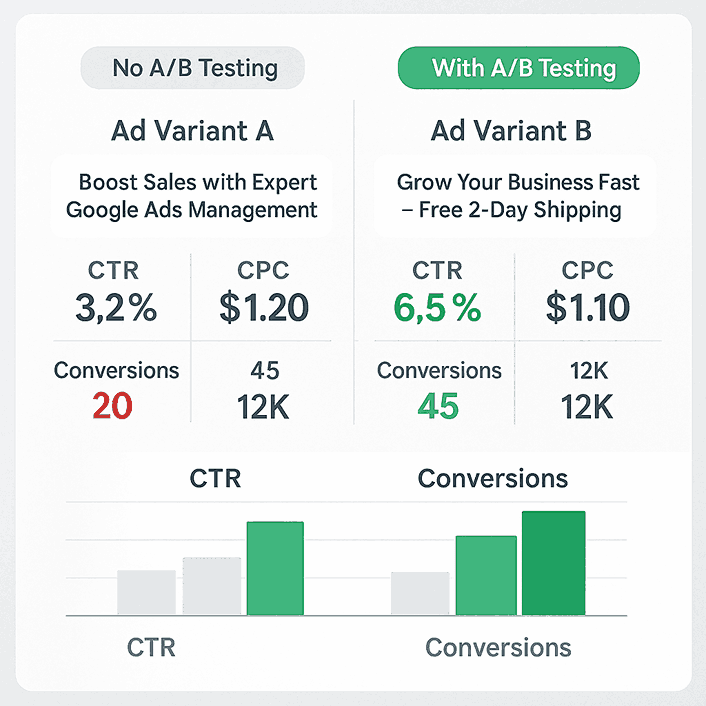
Another mistake beginners make is skipping A/B testing. Many advertisers launch a single version of their ad and assume it will perform well. The problem is, without testing variations, you can’t identify which headlines, descriptions, or calls-to-action (CTAs) actually resonate with your audience. This often results in missed opportunities to improve click-through rate (CTR) and conversions.
For example, two headlines might look equally strong:
- “Boost Sales with Expert Google Ads Management”
- “Grow Your Business Fast – Google Ads Specialists Ready to Help”
One may significantly outperform the other, but you’ll never know unless you test them side by side. Google Ads makes this easy with Responsive Search Ads (RSA), which automatically rotates different headline and description combinations to find the best performers.
A/B testing should extend beyond ad copy. You can test landing page layouts, button colours, or form placements to see which design converts better. Small adjustments often lead to major improvements in ROI.
👉 For tips on campaign optimisation and structure, explore Performance Max vs. Search Campaigns – What’s Best for Small Businesses .
By consistently running A/B tests, advertisers move away from guesswork and use data to refine campaigns, leading to sustainable long-term growth.
9. Mistake 8: Poor Campaign Structure:
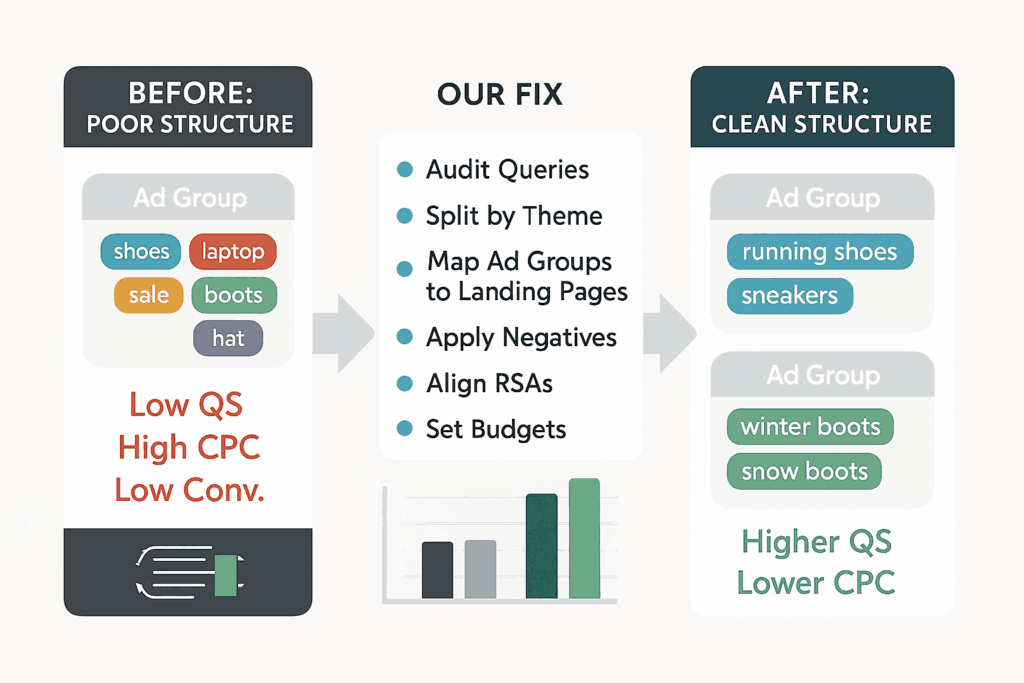 A poorly structured campaign is one of the most damaging mistakes beginners make in Google Ads. Many advertisers create a single campaign with dozens of unrelated keywords and ads. This lack of organisation makes it difficult to control budgets, track performance, and deliver relevant messages to specific audiences.
For example, imagine mixing keywords like “SEO services”, “Google Ads management”, and “social media marketing” in the same ad group. Each of these services attracts a different type of customer, but with poor structure, all users would see the same generic ad. This reduces Quality Score, increases cost-per-click (CPC), and lowers conversions.
A strong campaign structure organises ads into tight ad groups around specific themes. For instance, one ad group for “Google Ads Services,” another for “SEO Packages,” and a separate one for “Social Media Marketing.” This way, each ad speaks directly to user intent.
👉 To see how professional campaign organisation looks, explore our Services page and Portfolio . These examples highlight how we separate offerings to maximise clarity and results.
External experts like Google Ads Help and HubSpot also stress that granular campaign structures improve efficiency and ROI.
By taking time to organise campaigns properly, advertisers gain better control, improve relevance, and ultimately achieve stronger returns from their ad spend.
Mistake 9: Bad Budget Allocation
Another critical mistake beginners make is poor budget allocation. Many new advertisers either overspend on a single campaign without results or spread their budget too thin across too many campaigns. In both cases, the outcome is the same: wasted money and missed opportunities.
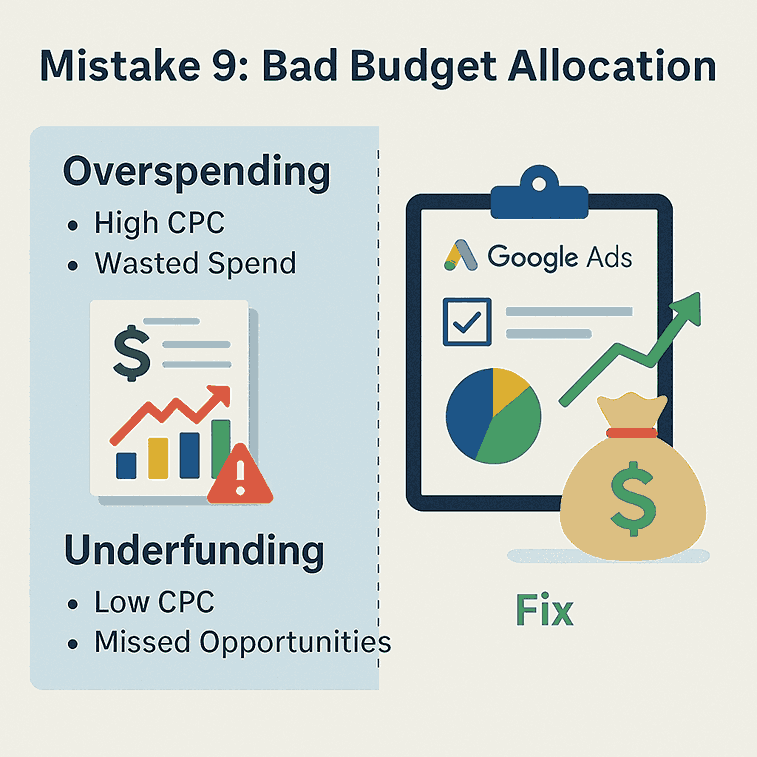
For example, if you put 80% of your budget into broad, top-of-funnel keywords, you may generate lots of clicks but very few conversions. On the other hand, if you divide a small budget across ten campaigns, none of them will have enough data to optimise effectively. The key is balance—invest more in proven, high-performing campaigns while testing smaller budgets on new strategies.
At Google Ads Specialist, we help businesses align budgets with actual goals. You can learn more about our approach on the About page and see how we apply these strategies for real clients in the Skills section . And if you’re ready to take control of your ad spend, get in touch via our Contact page .
According to WordStream , poor budget distribution is one of the top reasons campaigns fail to scale profitably. A smart allocation involves regularly checking performance, pausing low-ROI campaigns, and reinvesting in ads that deliver measurable results.
By mastering budget allocation, advertisers avoid overspending and underfunding—ensuring every dollar is working toward growth and profitability.
11. Mistake 10: Running Ads All Day, Every Day
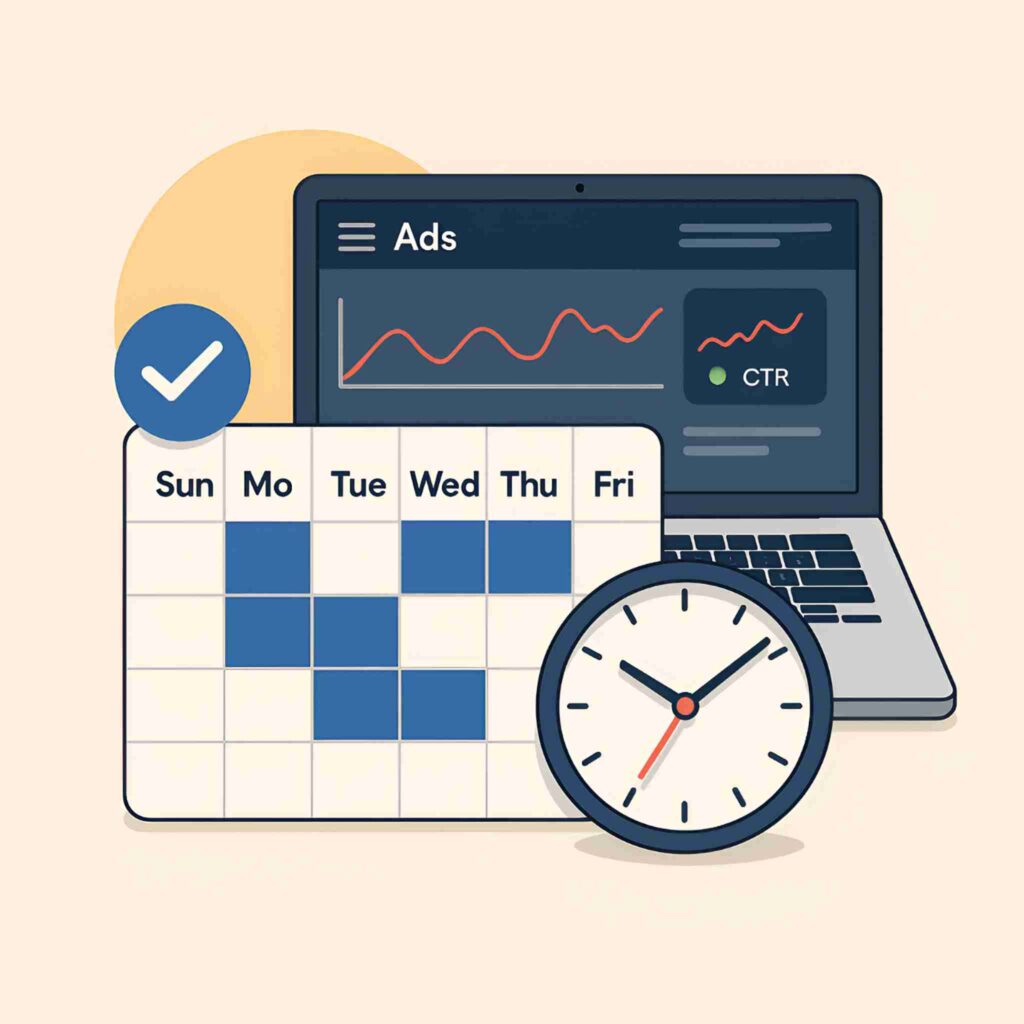
Many beginners assume that running ads 24/7 will automatically bring more clicks and sales. In reality, this often leads to wasted spend during low-conversion hours. Without scheduling, ads may appear when your target audience isn’t actively searching or ready to buy. For example, a local restaurant doesn’t need ads showing at 3 a.m., when no one is likely to place an order.
Ad scheduling (also known as dayparting) allows advertisers to show ads only during peak times. By analysing performance data, you can identify which hours and days deliver the highest ROI. This ensures your budget is focused on the moments that matter most.
At Google Ads Specialist, we design campaigns around efficiency. Our Services page explains how we tailor ad strategies to client needs, while the Portfolio showcases results achieved with smarter scheduling. Businesses ready to optimise their campaigns can reach us through the Contact page .
👉 For more insights, check out Why Your Google Ads Aren’t Getting Clicks – And How to Fix It .
External experts like Neil Patel also recommend limiting ads to proven time slots, which reduces wasted impressions and improves conversion rates.
By avoiding the mistake of running ads all day, advertisers save budget, boost ROI, and make campaigns far more effective.
Conclusion
Avoiding these ten common Google Ads mistakes can be the difference between wasted spend and a profitable campaign. From setting up negative keywords to improving ad copy and optimising your landing pages, every detail shapes performance. Beginners often underestimate how much strategy and structure matter, but by addressing these pitfalls, you can transform campaigns into reliable growth engines.
At Google Ads Specialist, we don’t believe in trial and error—we apply proven strategies tailored to your business. Learn more about our expertise on the About page , explore our Services, and see real-world success stories in our Portfolio.
👉 Ready to optimise your ads and achieve measurable results? Contact us today at Google Ads Specialist Contact Page .
Even industry leaders like HubSpot confirm that avoiding these mistakes is critical for ROI. With the right partner, your campaigns can consistently deliver growth.
Hire a Google Ads Specialist Today
Frequently Asked Questions
Q: Why do beginners struggle with Google Ads?
Beginners struggle because Google Ads has complex settings—campaign types, bidding strategies, and keyword match types—that directly affect costs and performance. Without understanding fundamentals like negative keywords and ad extensions, budgets are often wasted on irrelevant clicks.
Q: What happens if I don’t use negative keywords?
If you skip negative keywords, your ads may show for irrelevant searches (e.g., “free shoes” when selling premium shoes). This lowers click-through rates (CTR), wastes budget, and raises cost per acquisition (CPA). Google recommends regularly updating negative keyword lists to improve relevance.
Q: Is using Broad Match keywords a bad idea?
Not always, but relying only on Broad Match can reduce ROI by up to 40% compared to Phrase or Exact Match. Broad Match shows ads for loosely related queries, which often brings irrelevant traffic. It works best with a strong negative keyword list.
Q: How does weak ad copy hurt campaigns?
Generic ads fail to stand out, leading to low CTR and poor Quality Scores. For example, “Buy Shoes Online” is weak, while “Ultra-Fast Laptops for Remote Work – Free Shipping” performs better because it addresses user intent and highlights benefits.
Q: Why are ad extensions important in Google Ads?
Ad extensions increase ad visibility and engagement by adding sitelinks, phone numbers, or locations. They boost CTR, improve Ad Rank, and often lower cost-per-click (CPC). Skipping them means missing valuable ad real estate.
Q: What’s the risk of not tracking conversions?
Without conversion tracking, you only see clicks and impressions—not sales or leads. This means you could keep spending on ads that don’t convert. Linking Google Ads with GA4 shows exactly which campaigns drive results.
Q: How does landing page experience affect Google Ads?
Landing pages directly influence Quality Score and ROI. A slow, irrelevant, or non-mobile-friendly page increases bounce rates and wastes clicks. Google recommends pages load under 3 seconds and match ad promises with clear CTAs.
Q8: Why is A/B testing necessary in Google Ads?
A/B testing helps identify which ad copy, CTA, or landing page layout works best. For example, two headlines may perform differently—testing reveals the higher-converting one. Skipping A/B testing means relying on guesswork instead of data.
Q9: What’s the problem with poor campaign structure?
Mixing unrelated keywords in one ad group lowers Quality Score and increases CPC. Organising campaigns into focused ad groups (e.g., “Google Ads Services” vs. “SEO Services”) improves relevance and conversion rates.
Q10: Should I run Google Ads 24/7?
No, running ads all day wastes money during low-conversion hours. Ad scheduling (dayparting) ensures ads run only when target audiences are active, boosting ROI. For example, a restaurant shouldn’t run ads at 3 a.m.
Beginners struggle because Google Ads has complex settings—campaign types, bidding strategies, and keyword match types—that directly affect costs and performance. Without understanding fundamentals like negative keywords and ad extensions, budgets are often wasted on irrelevant clicks.
If you skip negative keywords, your ads may show for irrelevant searches (e.g., “free shoes” when selling premium shoes). This lowers click-through rates (CTR), wastes budget, and raises cost per acquisition (CPA). Google recommends regularly updating negative keyword lists to improve relevance.
Not always, but relying only on Broad Match can reduce ROI by up to 40% compared to Phrase or Exact Match. Broad Match shows ads for loosely related queries, which often brings irrelevant traffic. It works best with a strong negative keyword list.
Generic ads fail to stand out, leading to low CTR and poor Quality Scores. For example, “Buy Shoes Online” is weak, while “Ultra-Fast Laptops for Remote Work – Free Shipping” performs better because it addresses user intent and highlights benefits.
Ad extensions increase ad visibility and engagement by adding sitelinks, phone numbers, or locations. They boost CTR, improve Ad Rank, and often lower cost-per-click (CPC). Skipping them means missing valuable ad real estate.
Without conversion tracking, you only see clicks and impressions—not sales or leads. This means you could keep spending on ads that don’t convert. Linking Google Ads with GA4 shows exactly which campaigns drive results.
Landing pages directly influence Quality Score and ROI. A slow, irrelevant, or non-mobile-friendly page increases bounce rates and wastes clicks. Google recommends pages load under 3 seconds and match ad promises with clear CTAs.
A/B testing helps identify which ad copy, CTA, or landing page layout works best. For example, two headlines may perform differently—testing reveals the higher-converting one. Skipping A/B testing means relying on guesswork instead of data.
Mixing unrelated keywords in one ad group lowers Quality Score and increases CPC. Organising campaigns into focused ad groups (e.g., “Google Ads Services” vs. “SEO Services”) improves relevance and conversion rates.
No, running ads all day wastes money during low-conversion hours. Ad scheduling (dayparting) ensures ads run only when target audiences are active, boosting ROI. For example, a restaurant shouldn’t run ads at 3 a.m.