

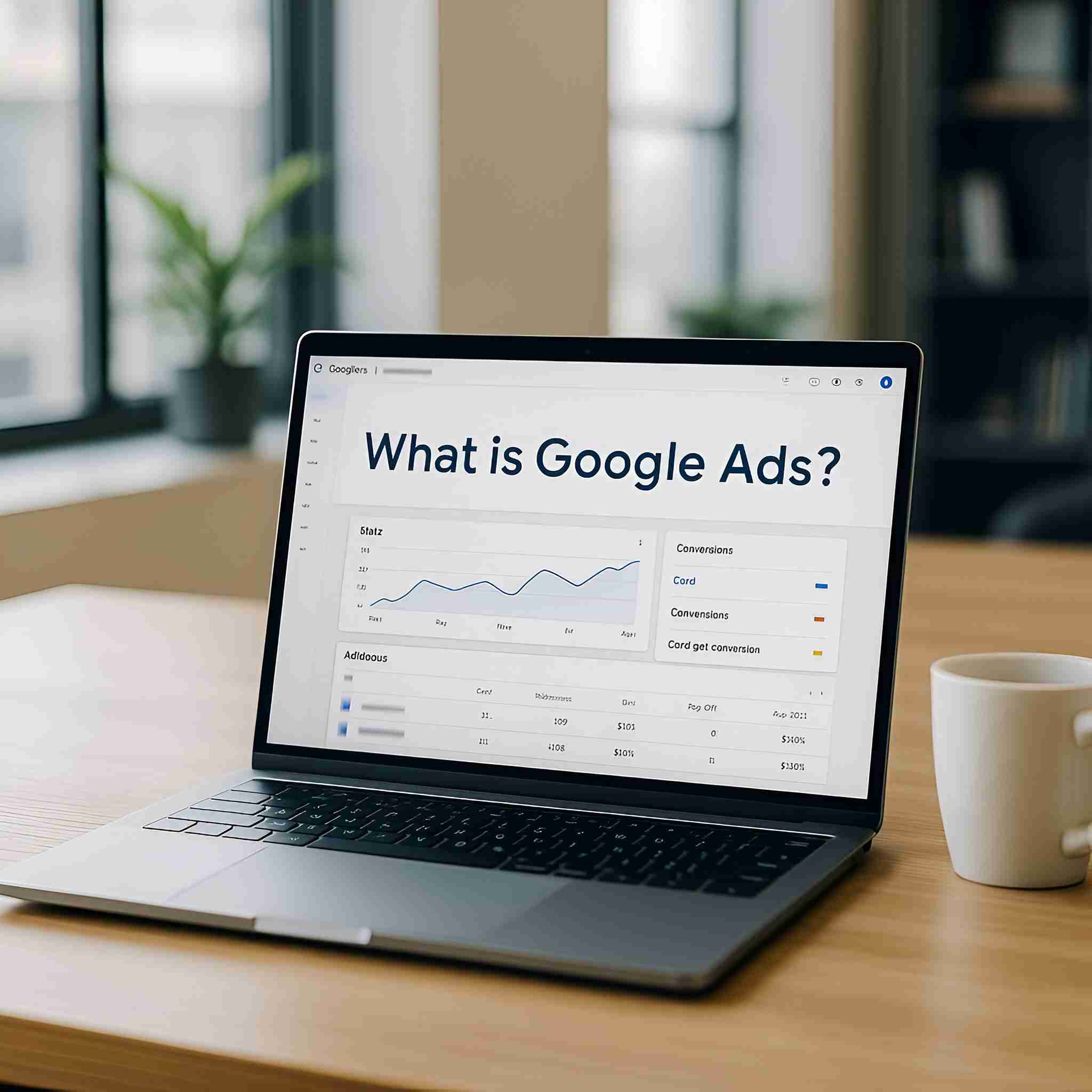
What is Google Ads? A Complete Beginner’s Guide
In today’s digital-first economy, online advertising has become a necessity for businesses of all sizes. With more than 4.6 billion people active online daily, the platforms you choose to advertise on can significantly shape your brand visibility and revenue growth. Two of the most powerful players in this space are Google Ads and Facebook Ads—each with unique strengths and targeting capabilities.
Google Ads connects you with potential customers who are actively searching for your products or services. On the other hand, Facebook Ads allows you to reach highly defined audiences based on demographics, interests, and behaviours—even before they start searching. Both platforms can generate measurable results, but choosing the right one depends on your business goals, budget, and target audience.
In this guide, we’ll explore their differences in cost, targeting, and effectiveness, while helping you decide which is the smarter investment for your business.
If you’re new to paid advertising, our Google Ads Management service provides expert campaign setup and optimisation. For deeper insights into real campaign performance, explore our Case Studies section. To stay informed about industry-wide practices, you can also check out the Meta Business Help Centre.
Section 1: What is Google Ads?
Google Ads works on a pay-per-click (PPC) system: advertisers bid on keywords, and pay only when a user clicks their ad. Ads appear on Google Search results, Display Network sites, YouTube, and Gmail.
Why It Matters for Beginners:
- Instant visibility – appear on page one in hours.
- Control over budget – you decide how much to spend daily.
- Highly measurable – track every click, impression, and lead.
- Precise targeting – filter by location, device, demographics, and time.
👉 Ready to start? Explore our Google Ads Management service for beginner-friendly setup.
Section 2: How Google Ads Works
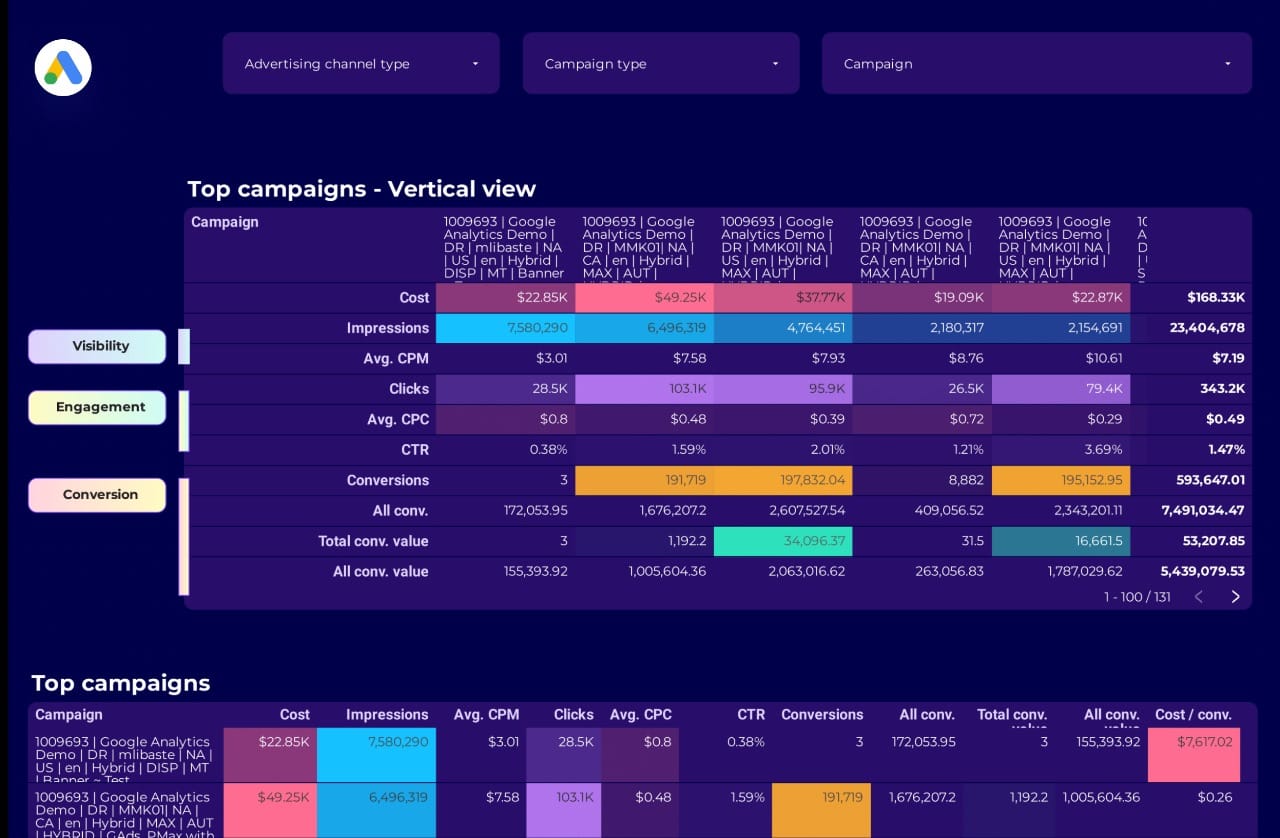
Google Ads uses an auction model. When a user searches a keyword you’re targeting, Google runs an instant auction among advertisers. Two factors decide your ad placement:
- Bid Amount – How much you’re willing to pay per click.
- Quality Score – Based on ad relevance, expected CTR, and landing page experience.
Campaign Structure:
- Campaigns → group by goal (sales, leads).
- Ad Groups → cluster of related keywords.
- Keywords → search terms you target.
- Ads → what users see (text, display, video).
👉 Let us structure your campaigns correctly with our Google Ads Setup service.
Section 3: Types of Google Ads Campaigns
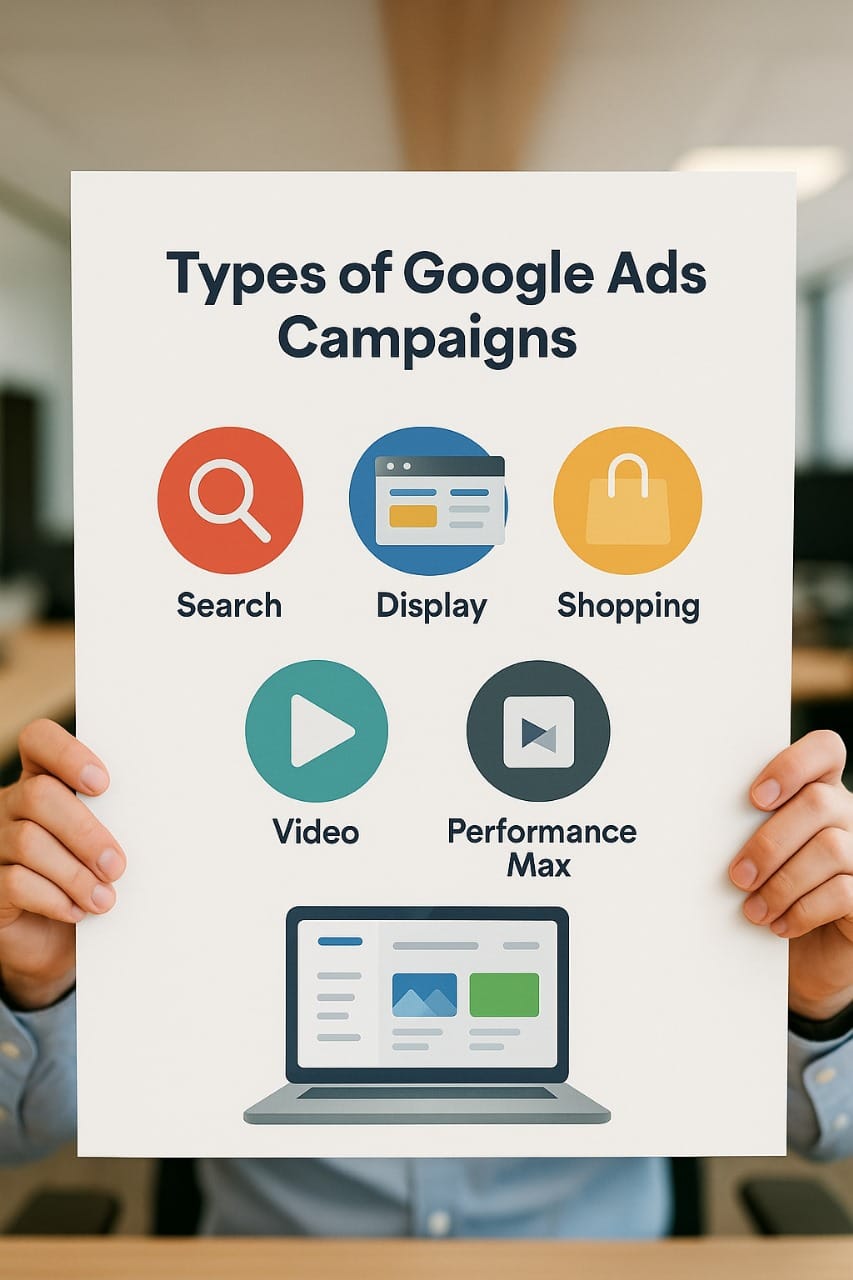
Table 1: Google Ads Campaign Types
| Campaign Type | Where Ads Appear | Best For |
| Search Ads | Google Search results | High-intent leads |
| Display Ads | Partner sites, Gmail, apps | Awareness, remarketing |
| Shopping Ads | Google Shopping results | E-commerce, product sales |
| Video Ads | YouTube | Storytelling, awareness |
| Performance Max | Across all Google networks | Automated multi-channel |
👉 Want tailored campaigns? See real examples in our Case Studies.
Section 4: Budgeting & Costs
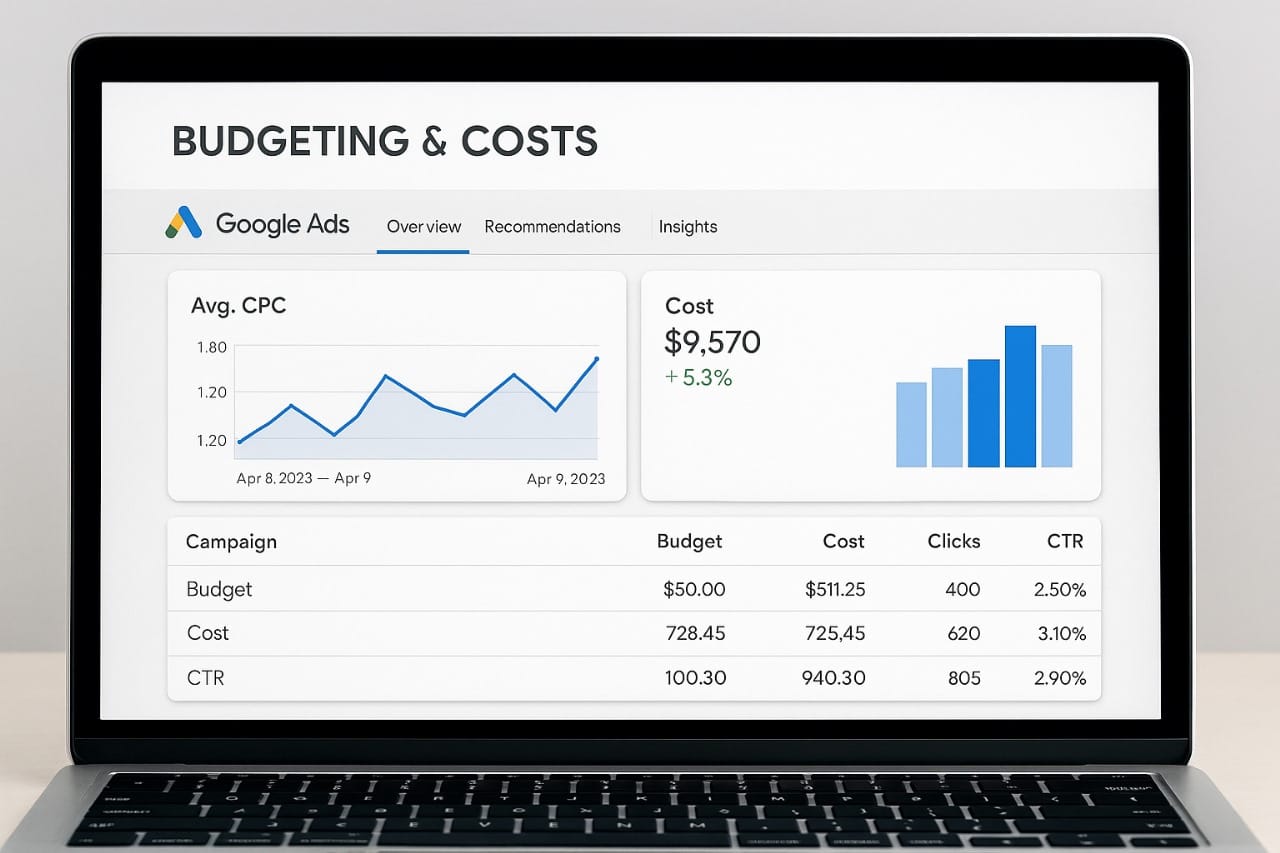
There’s no fixed cost—Google Ads uses dynamic auctions. On average in 2025:
- E-commerce: $1–$3 CPC
- Real Estate: $2–$5 CPC
- Healthcare: $2–$5 CPC
- Finance/Legal: $15–$45 CPC
Budget Tips:
- Start small ($10–$20/day).
- Focus on Exact Match keywords early.
- Audit weekly to avoid waste.
👉 Discover how much you should spend with a Google Ads Audit.click here for Contact Us.
Section 5: Common Beginner Mistakes:
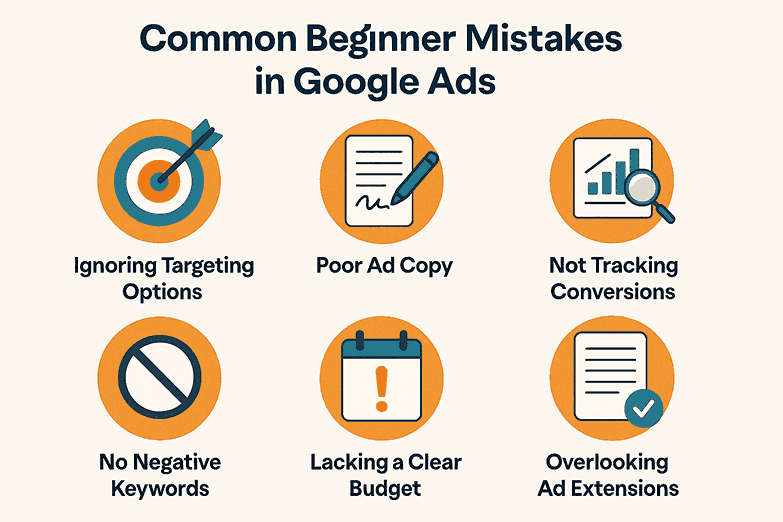
Typical mistakes include:
- Using only broad matches.
- Skipping negative keywords.
- No conversion tracking.
- Poor landing page quality.
- “Set and forget” campaigns.
👉 We correct these errors in every audit. Learn more: Google Ads Management.
Section 6: Best Practices:
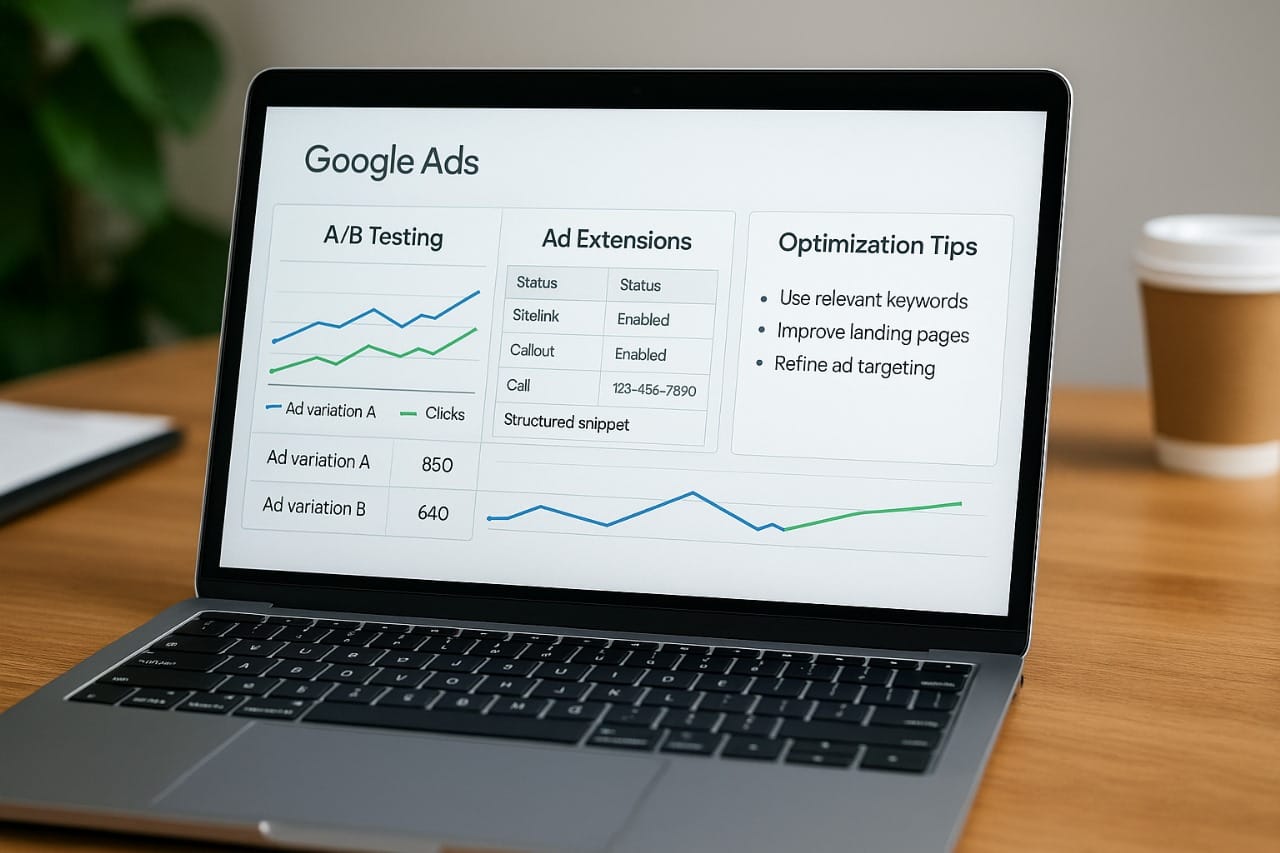
For a successful start:
- Always add negative keywords.
- Run A/B tests on ads.
- Use ad extensions.
- Optimise landing pages for speed.
- Review weekly.
👉 Apply best practices with our Google Ads Strategy.
Conclusion :
Google Ads can transform your business when managed correctly. Beginners who take a structured approach avoid wasted spend and achieve faster ROI.
Our team at Google Ads Specialist ensures campaigns are set up for success, avoiding pitfalls that cost money. Whether you’re a startup or scaling globally, our proven strategies deliver results.